LS9 User Guide
Libre Wireless Technologies User Guide : LS9 / LS9AD, Ver. 5.3 Page 25 of 75
Libre Confidential
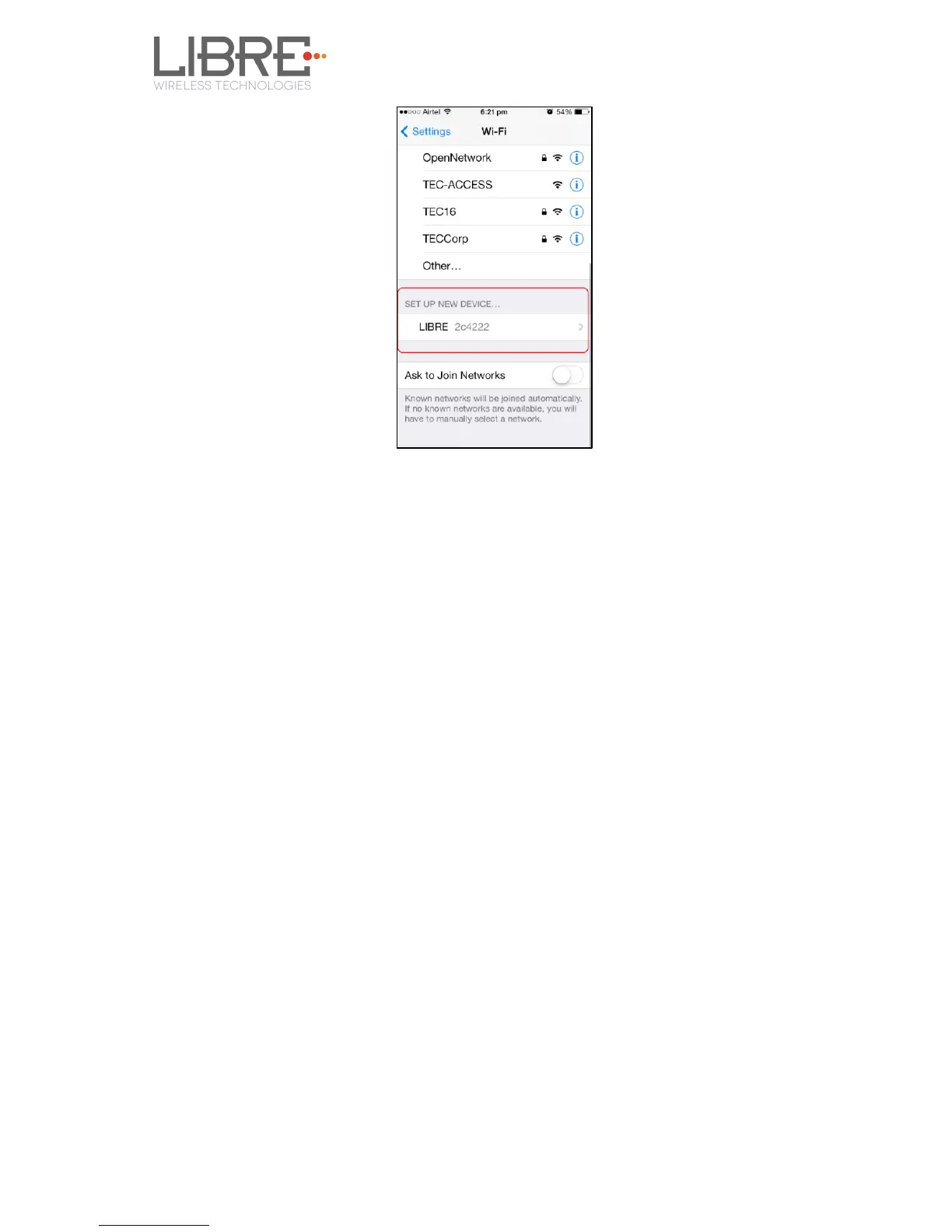
Figure 4.1.-1: WAC Speaker Listed
Step 3. Select the speaker / EVK and Tap NEXT
iOS device shares its Wi-Fi settings; that is SSID and Password with the WAC speaker and
configures the device.
On successful configuration the device is configured to the Wi-Fi network to which the
iOS device is connected.
End--
4.1.2 Wireless Network Setup Using SAC (Speaker Android
Configuration) method
To setup a wireless network using Libre Android APP proceed as below
Step 1. Short-Press the Setup button on LS9 EVK to trigger SAC.
Speaker enters SAC mode
Step 2. Open the Libre App



 To Next Page