LS9 User Guide
Libre Wireless Technologies User Guide : LS9 / LS9AD, Ver. 5.3 Page 57 of 75
Libre Confidential
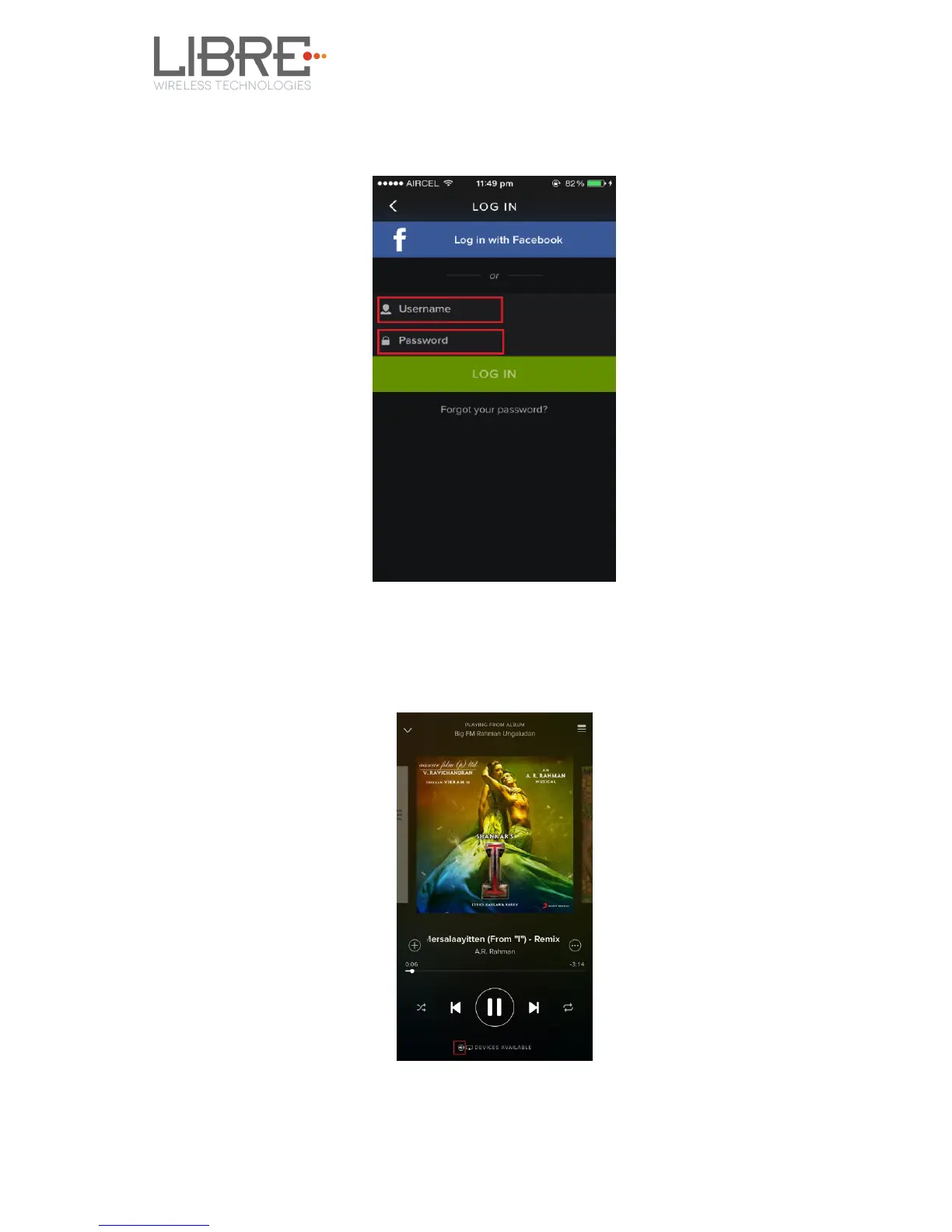
Step 6. Login to Spotify, using the Username and Password received, during
registration.
Figure 6.16.4-2: Spotify Login Screen
Step 7. Browse for songs in the Spotify Server
Step 8. In Now playing screen, select Speaker symbol in right bottom
Figure 6.16.4-3: Device Selection



 To Next Page