LS9 User Guide
Libre Wireless Technologies User Guide : LS9 / LS9AD, Ver. 5.3 Page 43 of 75
Libre Confidential
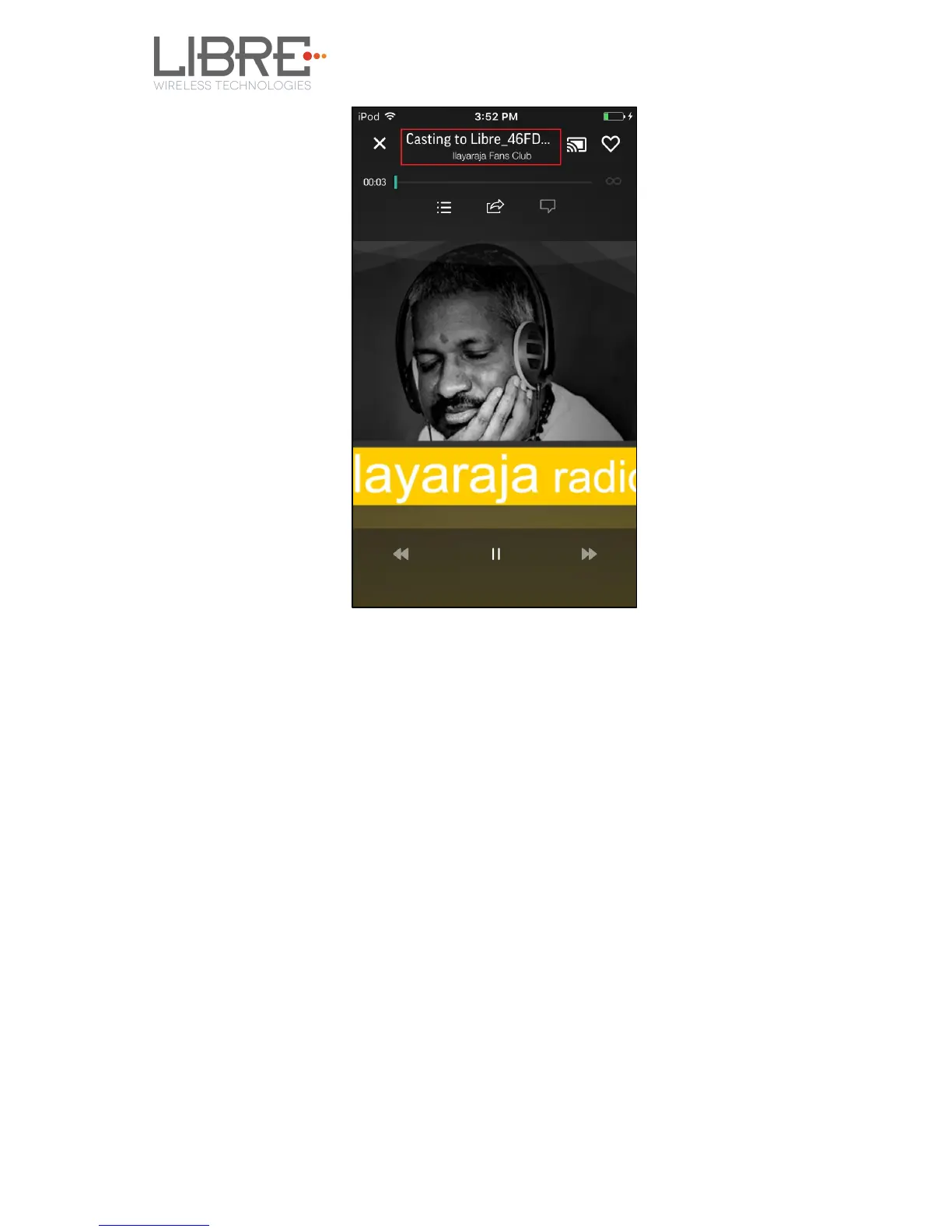
Figure 6.6-3: Cast for Audio Enabled Device Selected
End --
6.8. Spotify Connect
LibreSync enables you to stream music via Spotify connect.
To use the Spotify connect APP proceed as below.
Step 1. Register for Spotify premium account and get the Username and
Password for the account
Step 2. Download the Spotify app from the APP store/Play Store.
To stream music from Spotify connect proceed as below.
Step 3. Reboot the LS enabled device and connect to the network.
Step 4. Connect iOS device/Android phone to the same network.
Step 5. Open the Spotify APP



 To Next Page