Operation
46
Time
This is the system’s real-time clock. The system control program sends to each module the time
entered at the System Control Cabinet (SCC).
You cannot change the system time from the control panel of a UPS module.
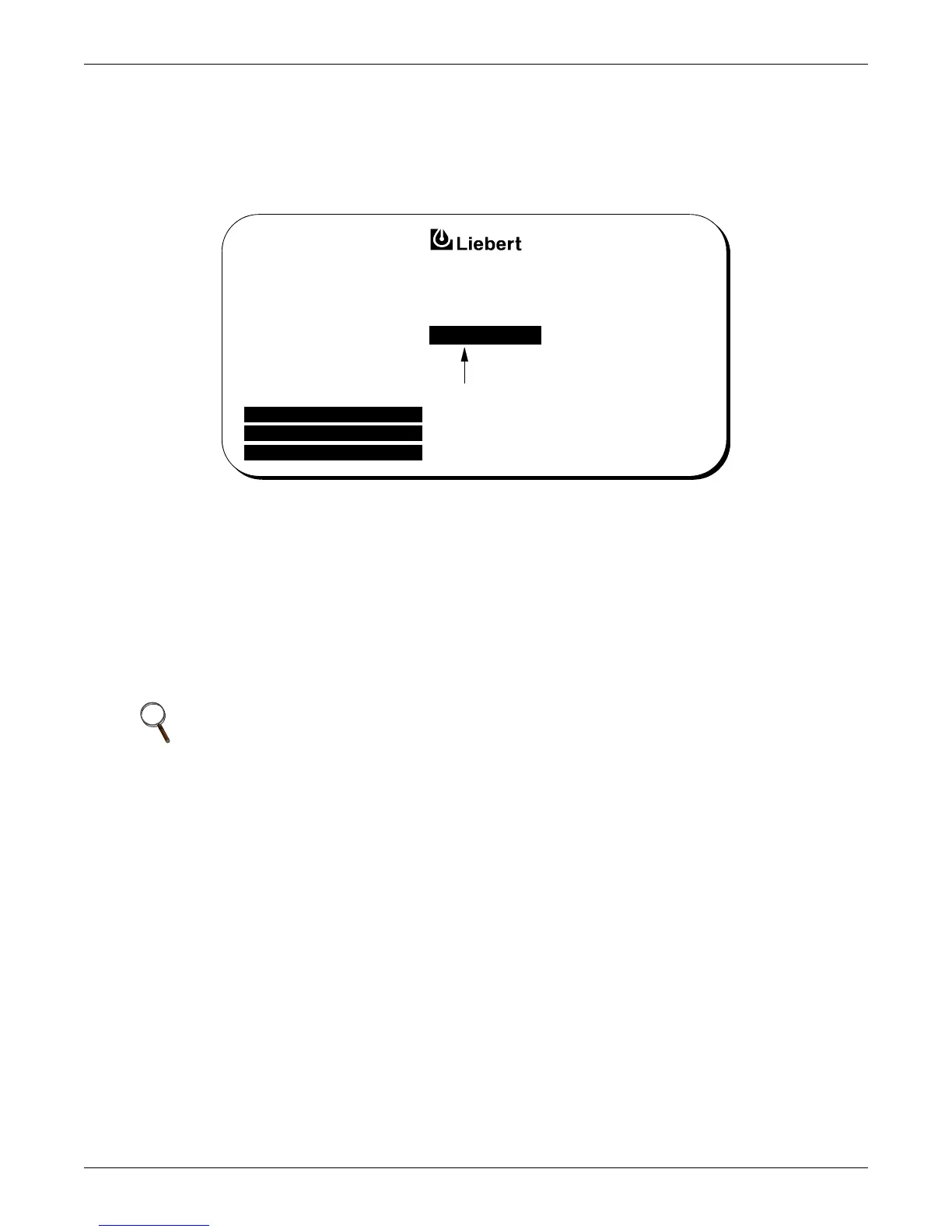
Figure 31 Time screen
To reset the time do the following at the SCC:
1. From the System Configuration screen, press the Up or Down pad to move the highlighted cursor
to Time.
2. Press the Select pad. The Time screen will appear.
3. Press the Select pad to move the arrow to the next digit to the right.
4. When the arrow is on the digit to be changed, press the Up or Down pad to increase or decrease
the hour/minute/second number.
5. Press Select to set the value and move to the next digit.
6. After the correct hour/minute/second has been set, press the Select pad again to return to the
System Configuration screen.
NOTE
Precise Date and Time functions are required for accurate archival and event history purposes.
Both the Date and Time can be set from a remote terminal. Refer to 3.2.15 - Communication
Interfaces.
TIME
INCREASE VALUE
DECREASE VALUE
WALK-THRU/ EXIT
UP :
DOWN :
SELECT :
09:15:00
© 1989-2003










 To Next Page