Hinet UPS User Manual
Page 10 (12/01)
3.2.2 Remote EPO (Emergency Power Off)
A connection is provided for a switch, which can be located remotely from the UPS, and which has the same function as the internal
EPO switch. When it is operated it shuts down the inverter, and inhibits the static switch so that power is removed from the load.
WARNING
Pressing the Remote EPO pushbutton will turn the inverter off and remove power from the load.
The mains input, bypass input and battery terminals still carry lethal voltages after pressing the EPO switch. Do not remove cover
from these parts. Only competent personnel must remove protection panel held in place with screws.
3.2.3 Emergency Power Off (E.P.O.) push-button connection
Refer to figure 3-2 to make a push-button connection to the standard Relay Card.
1. Get a suitably long (not more than 100 m.) two-wire cable (0.6 sq. mm cross section)
2. Connect one end of the cable to the N.C. pins of a fire preventing button (Fig. 3-2).
3. Connect the other end to the standard Relay Card connector M2.
3.2.4 Connection to Personal Computer
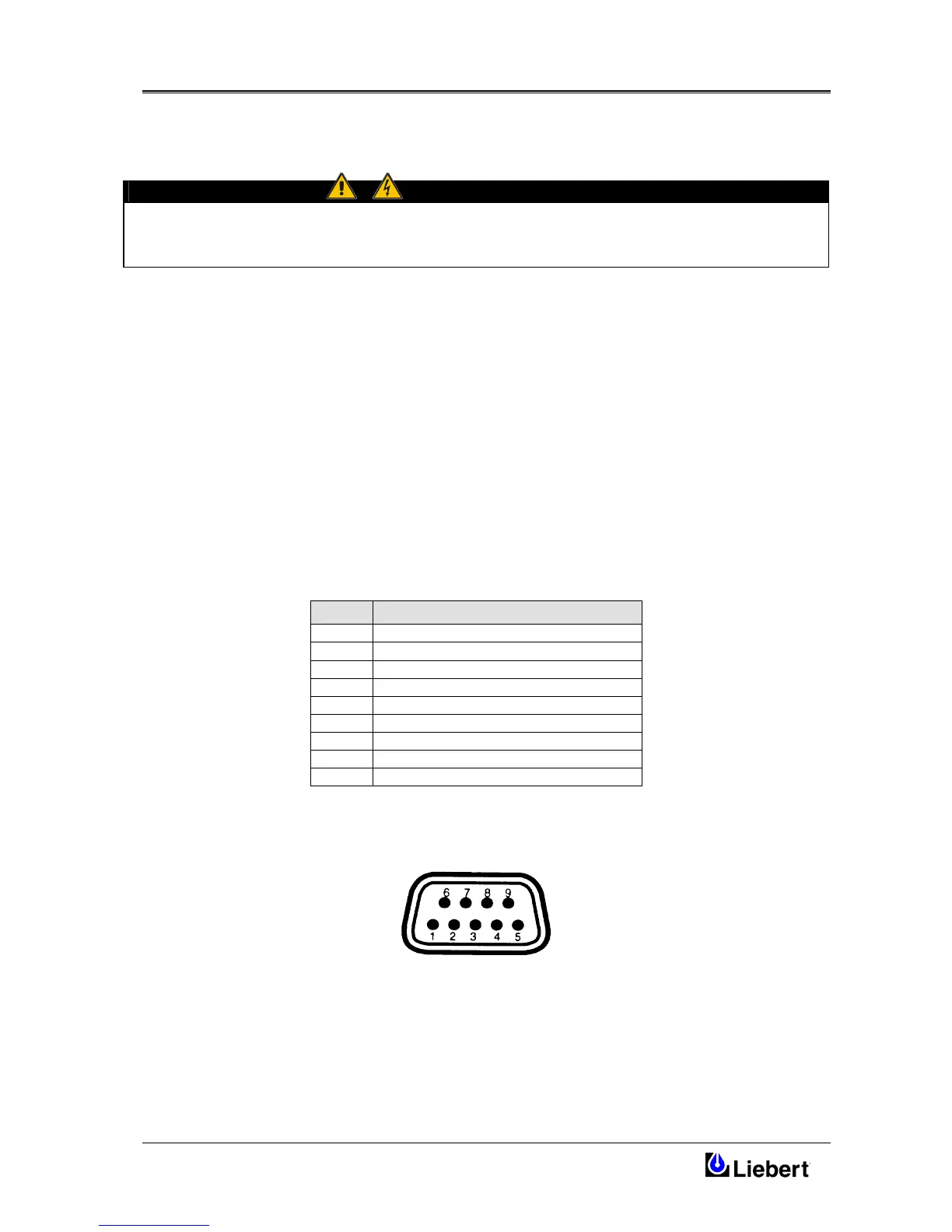
The Hinet UPS contains a standard DB9 Female connector located on the rear of the UPS .
Several signals are provided on this port and assigned as follow:
PIN Description
1 Low Battery (N.O.)
2
UPS TxD (typical RS-232 levels)
3
UPS RxD (typical RS-232 levels)
4 N.C.
5 Common
6 N.C.
7 Low Battery (N.O.)
8 Mains Fail (N.O.)
9 Mains Fail (N.O.)
PIN ASSIGNMENT




 To Next Page