Hinet UPS User Manual
(12/01) Page 13
4 Operator Control Panel
4.1 Introduction
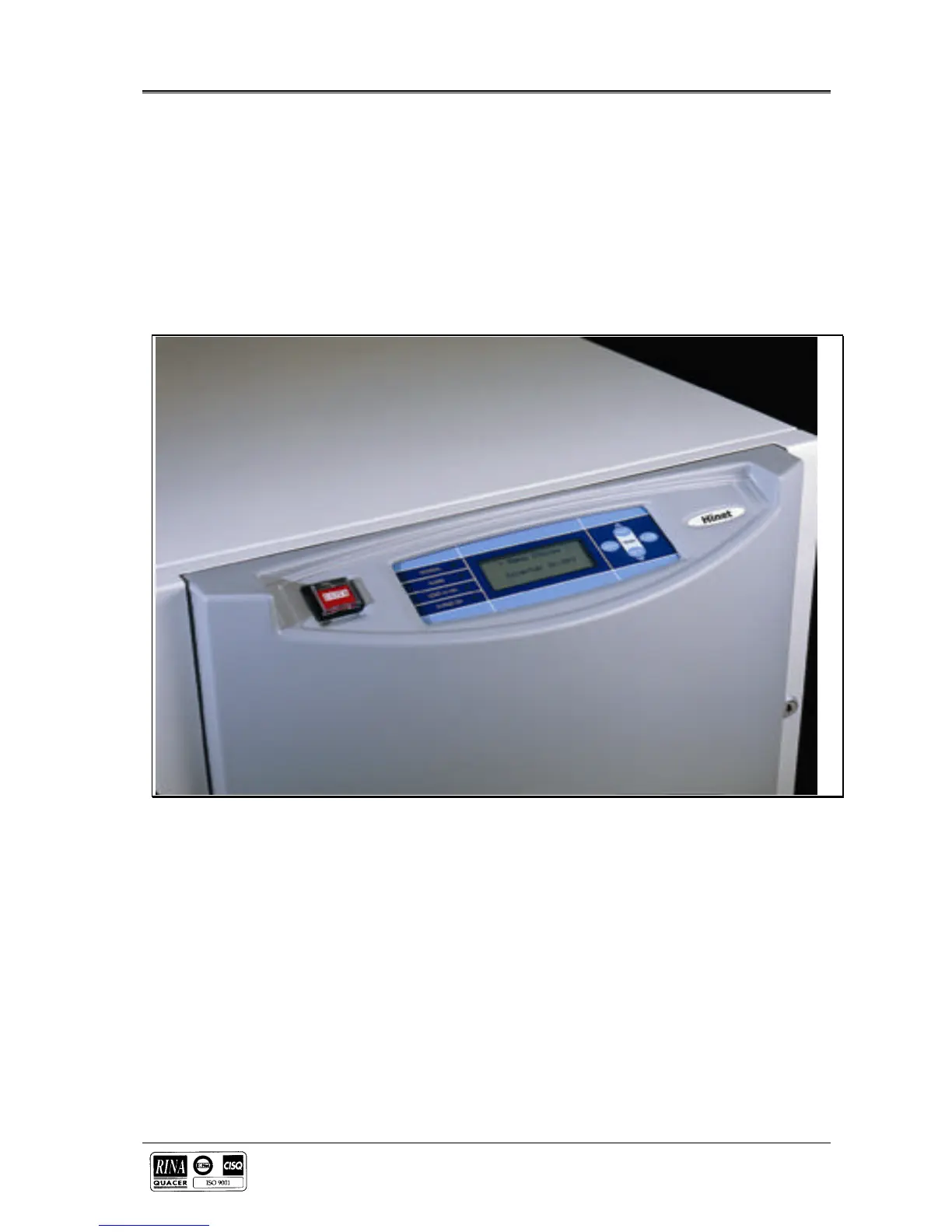
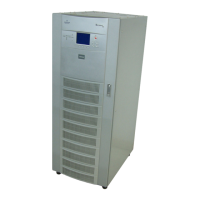
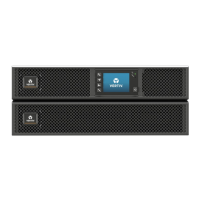
On the front of the UPS there is a control panel, from which it is possible to easily verify the status of the UPS, battery
and alarms. The operator control panel consists in a LCD display that indicates the operational and alarm status of the
UPS and the EPO push-button that is located at the left side.
The LCD Display Panel displays textual messages and operating parameters on a LCD screen capable of showing 4
rows of 20 characters.
The displayed screen is organized in a multi-level menu system and selected by using push button located to the right of
the screen
Figure 4-1 UPS Operator control panel




 To Next Page