14
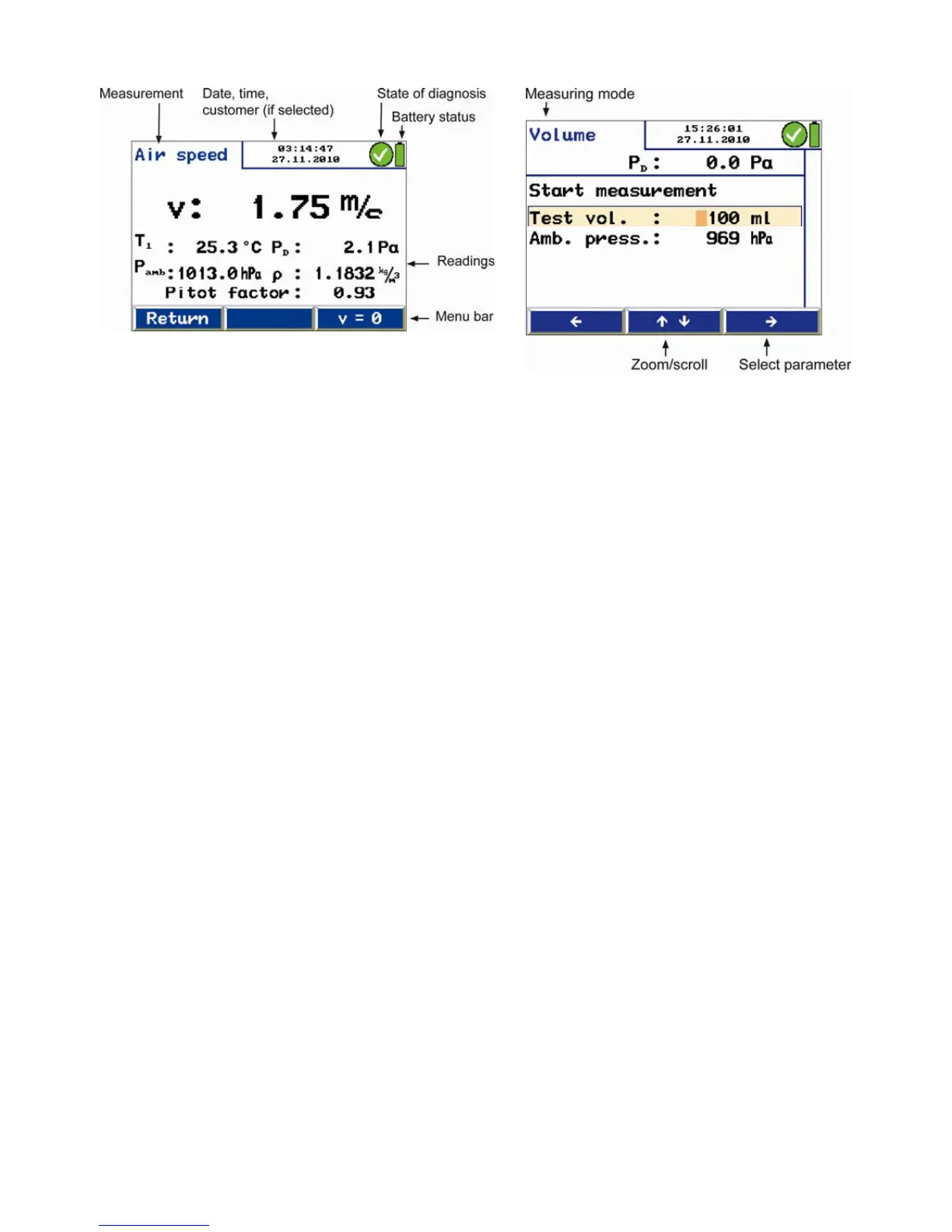
Fig. 8: Display details
The display is divided into a status, a menu and a readings
segment.
The currently selected task is shown in the left status seg-
ment.
– Date and time, customer (if selected), system diagnosis
status and battery level are shown in the status segment on
the right.
The readings segment displays the readings or the menu
items.
The menu segment is situated at the bottom of the display. It
consists of three soft keys.
Version AF (with internal ambient pressure and humidity
sensor): The values are indicated in the "pressure measure-
ment" menu.



 To Next Page