18
5.3 Using the Pressure computer
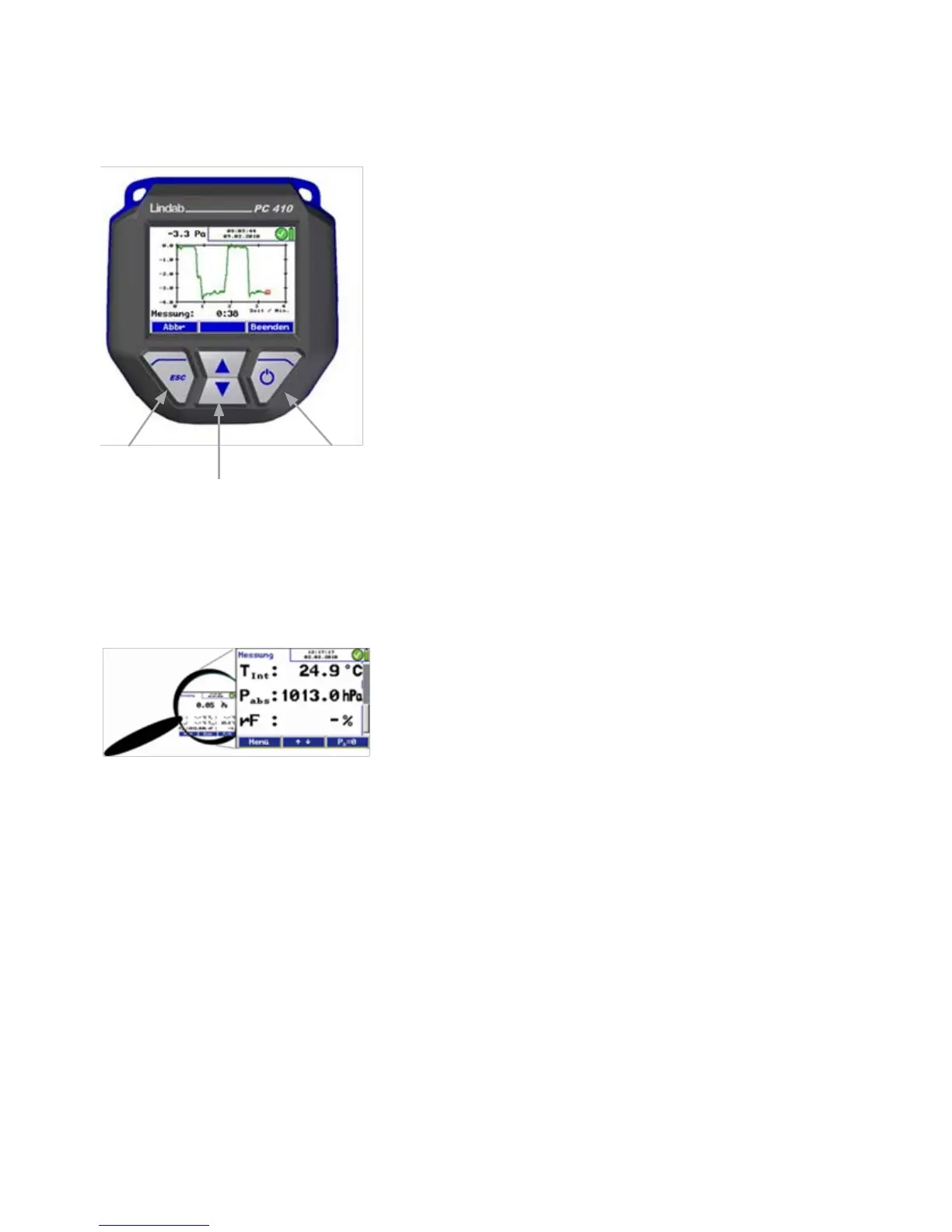
• Holding the left button depressed (ESCAPE) will always
stop the current menu and call up the main menu.
• In the pressure measuring mode, press the up or down key
to enter the zoom-mode. When the readings are zoomed in,
they can be read even from a distance. In the zoom mode
three values are shown in the display. Press the up or down
key shortly to scroll the readings.
• Hold the up or down key depressed to zoom in or out.
Fig. 15: Zoom feature
Fig. 14: Display and keys
Escape On/Off
Scroll/Zoom



 To Next Page