29
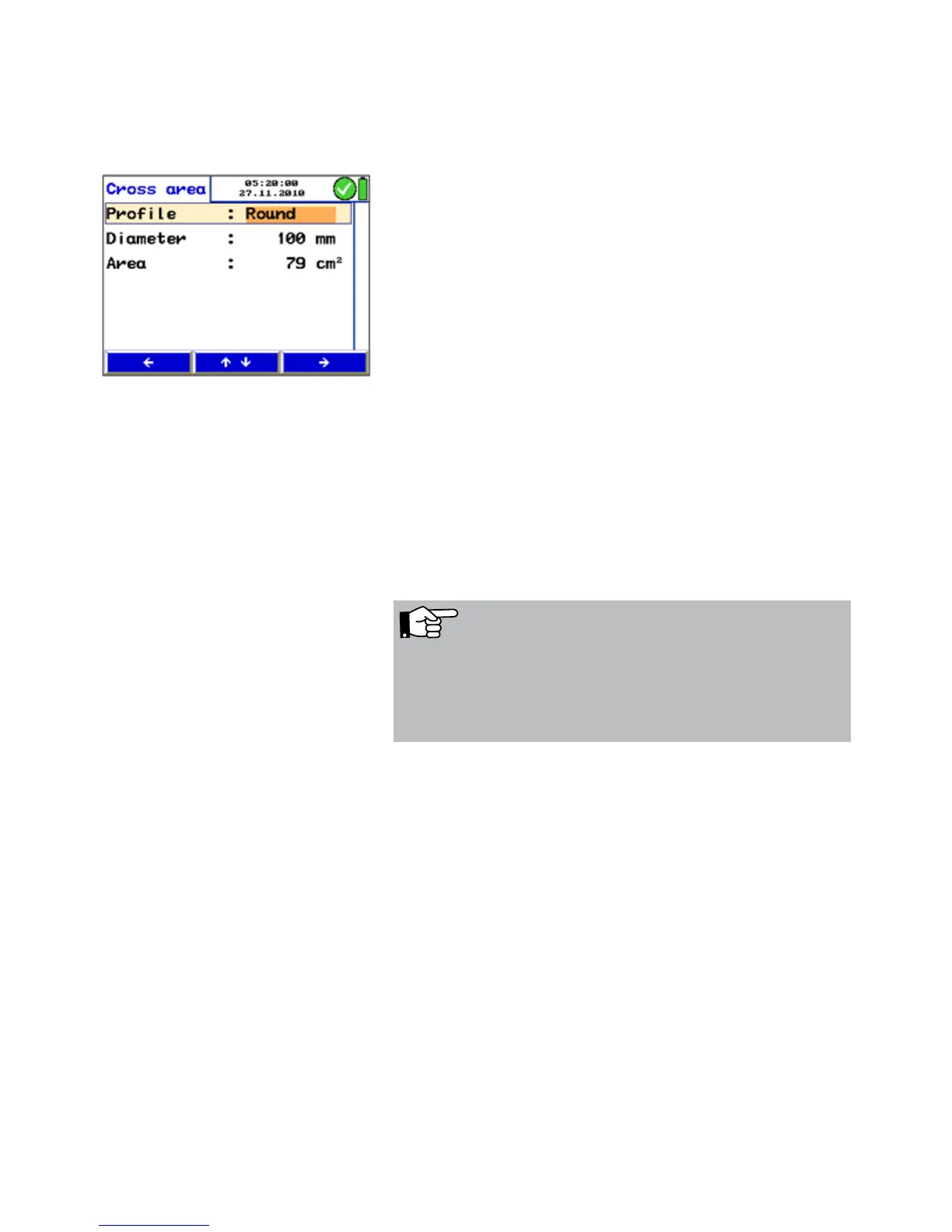
Entering the cross section area:
• Press "Stop" and then "Area" to bring up menu of the cross
section area.
• Go to the parameter "Profile" with the up and down keys.
• Use the right arrow to select between "round, rectangle,
arbitrary"
• Select by using the up and down keys.
• Change the other parameters in the same way.
The Lindab PC 410 will calculate the cross section area
automatically.
Press "Return" and then “Proceed” to start the measuring
with the correct area value.
6.4.2 Grid-point measurements The readings shown in the display are instantaneous values.
With the Lindab PC 410 grid-point measurements can be
done. This means that the air flow is measured at up to 12
different points of the tube and the meter will calculate the
average of the readings.
Fig. 28: Entering the cross section area
NOTE!
The average value determined by the grid-point measure-
ment is much more informative than a value measured in
one point only, because possible fluctuations during the
measurement will be compensated.
Measurement 1
• Enter the area-value and insert the S-tube into the
measuring opening as described before.
Then start measuring.
• When the value has stabilized, press "Stop".



 To Next Page