30
The readings of the first measurement are shown in the
display.
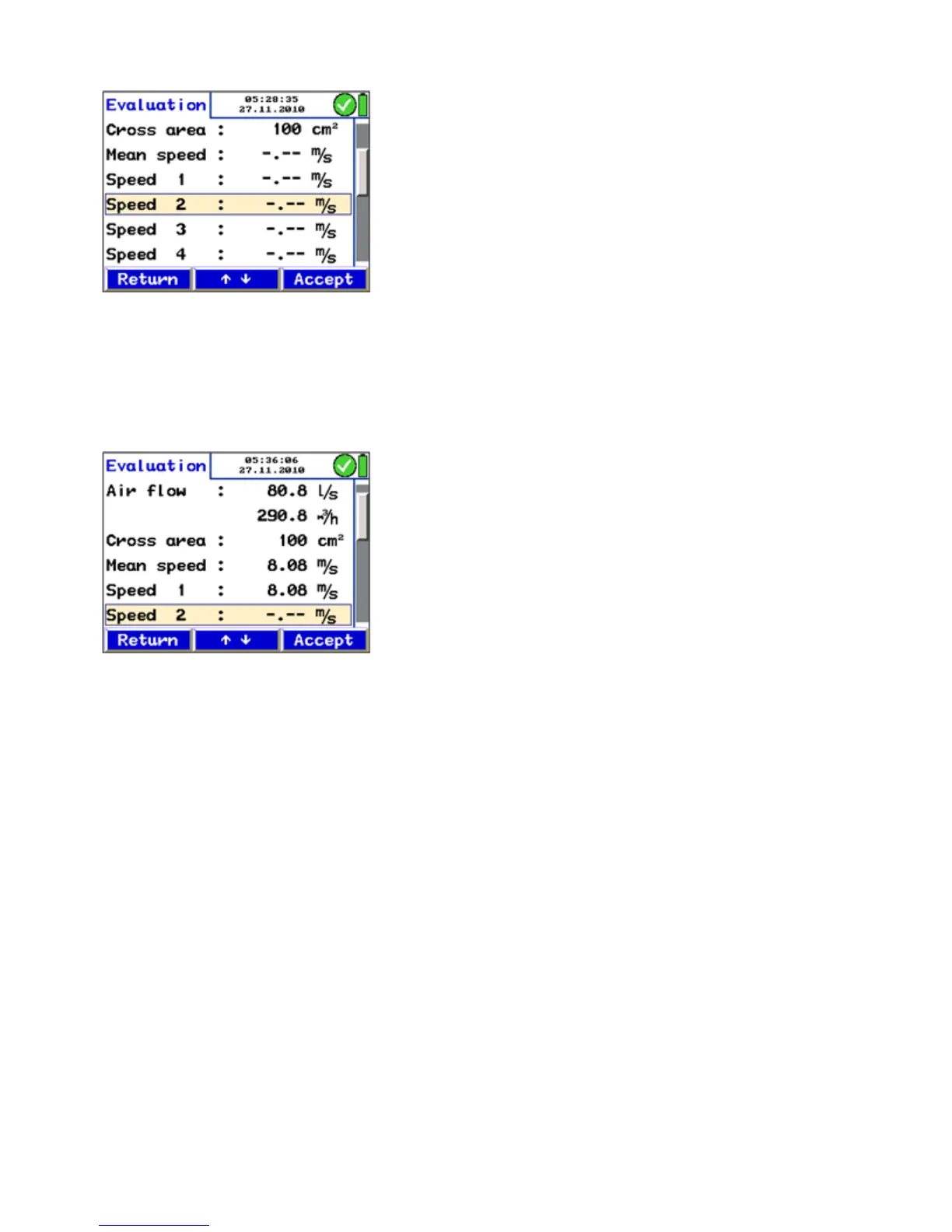
• Press the Evaluation-key to display all readings.
The result of the first measurement is not shown yet, because
it has not been captured yet.
• Press "Accept" to capture the value as the velocity 1.
The air flow is indicated in the upper part of the display as the
result of the measurement 1.
• Press "Return" to bring up the measurement menu.
• Press "Proceed" to start a new measurement.
Measurements 2 - 12 The current readings will be indicated in the display again.
• Press "Stop", when the values are stable.
• Press "Evaluation" to bring up a summary of all measure-
ments.
• Press "Accept" to capture the recent value.
• Perform the measurements 2-12 the same way.
Fig. 29: Standard report, when no reading
has been captured yet.
Fig. 30: Standard report after the readings
have been captured.



 To Next Page