52
7.3 Data Transfer with the Computer or Notebook
The user can easily transfer data from the PC 410 to the
Computer or notebook via an USB cable. How to transfer
data to the Computer:
• Connect the Lindab PC 410 to the Computer via the USB
cable included in delivery.
• Select Main menu < Data management > USB data
exchange
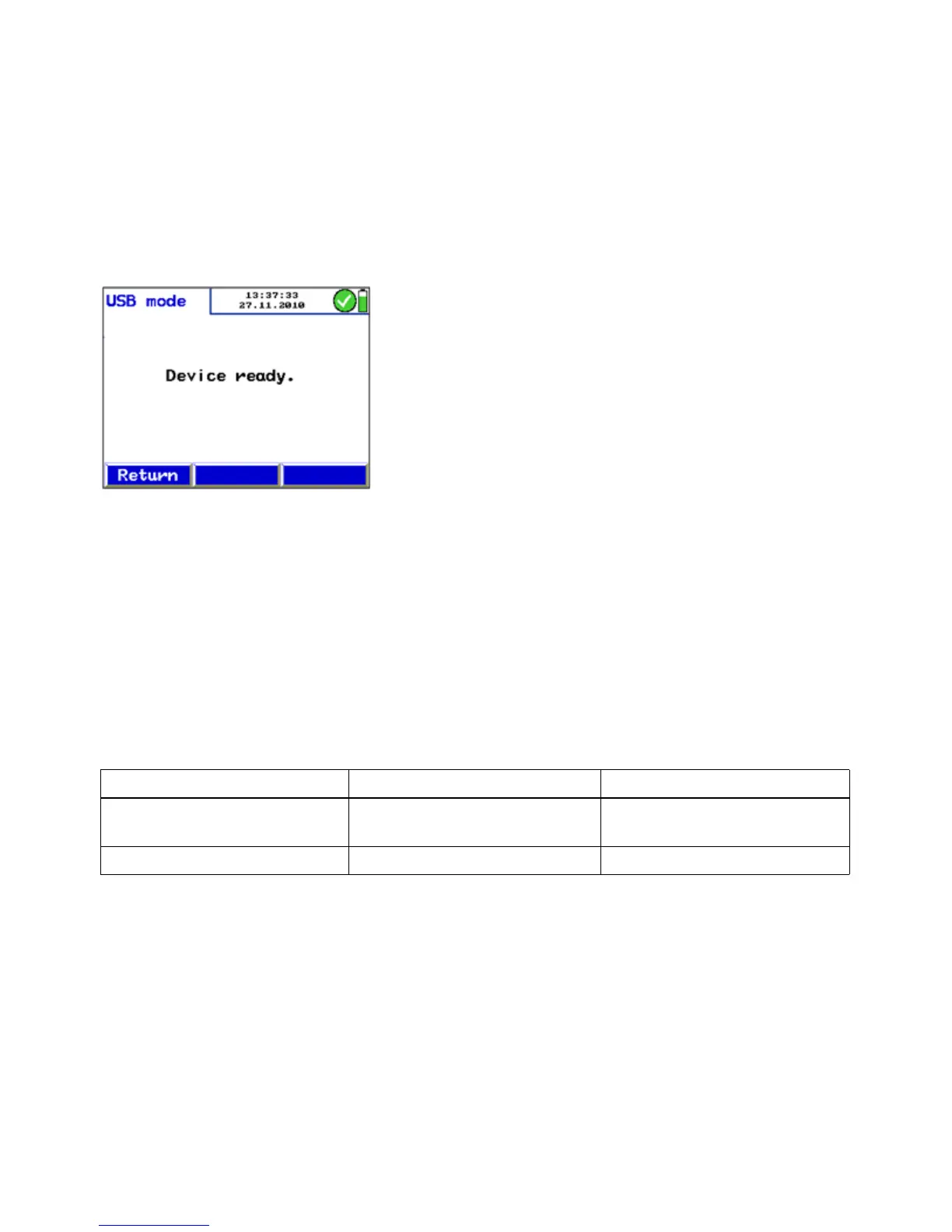
The USB mode of the Lindab PC 410 is activated now.
• Open the Data Management Programm PC 410 on the
computer. Follow the instructions of the PC 410 Software.
Fig. 68: USB mode
7.4 Data Logging With the Lindab PC 410 Software data logging is possible.
8. Troubleshooting
Error message Possible reason Solution
Batteries low Disposable or rechargeable
batteries are empty.
Replace or recharge batteries.
ATTENTION! Overpressure High pressure Deflate pressure



 To Next Page