20
6. Measurement modes in the main menu
6.1 Selecting the main menu
• Top the current measurement.
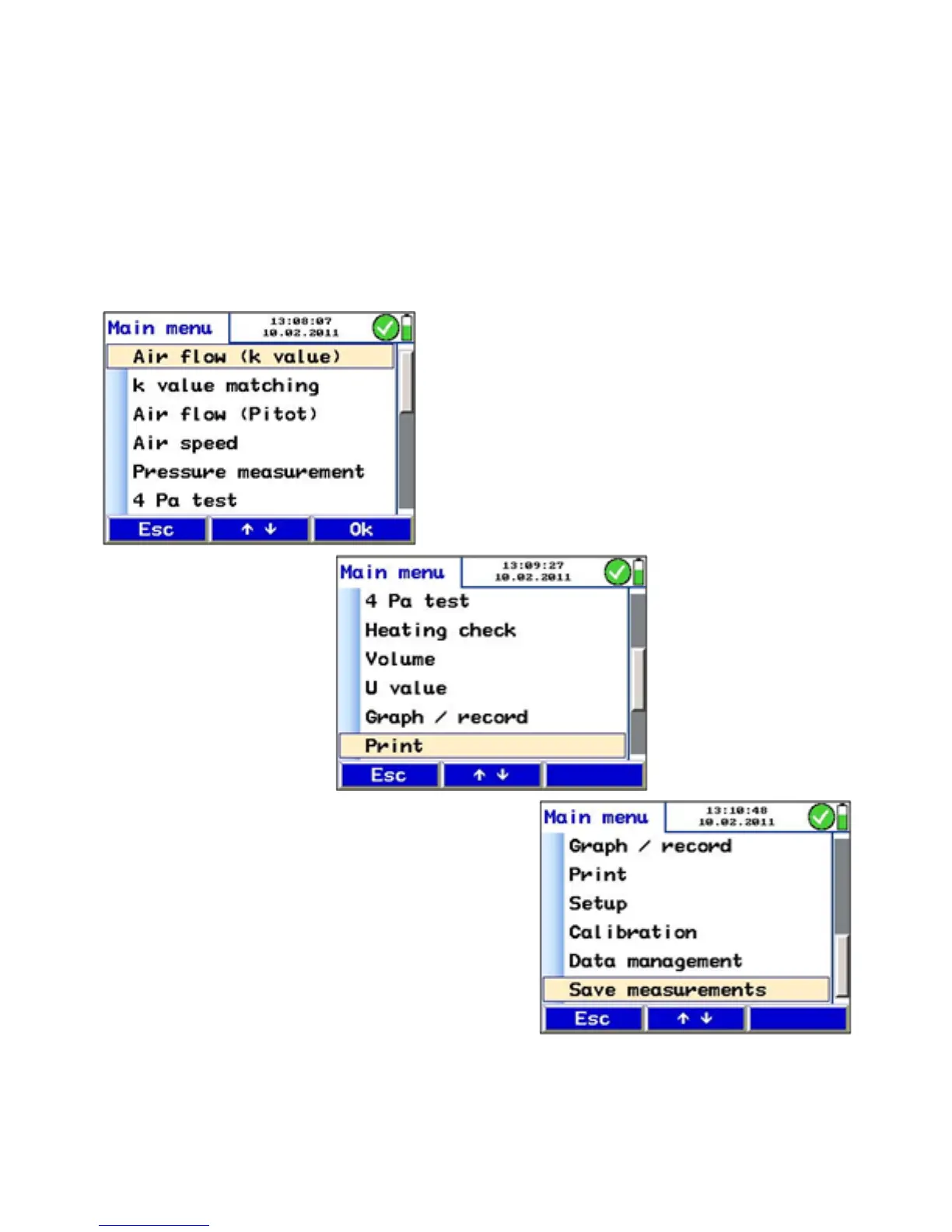
• Press "menu" to activate the main menu. In the main menu,
all submenus and applications can be activated. The fol-
lowing submenus can be selected:
Fig. 17: Main menu



 To Next Page