27
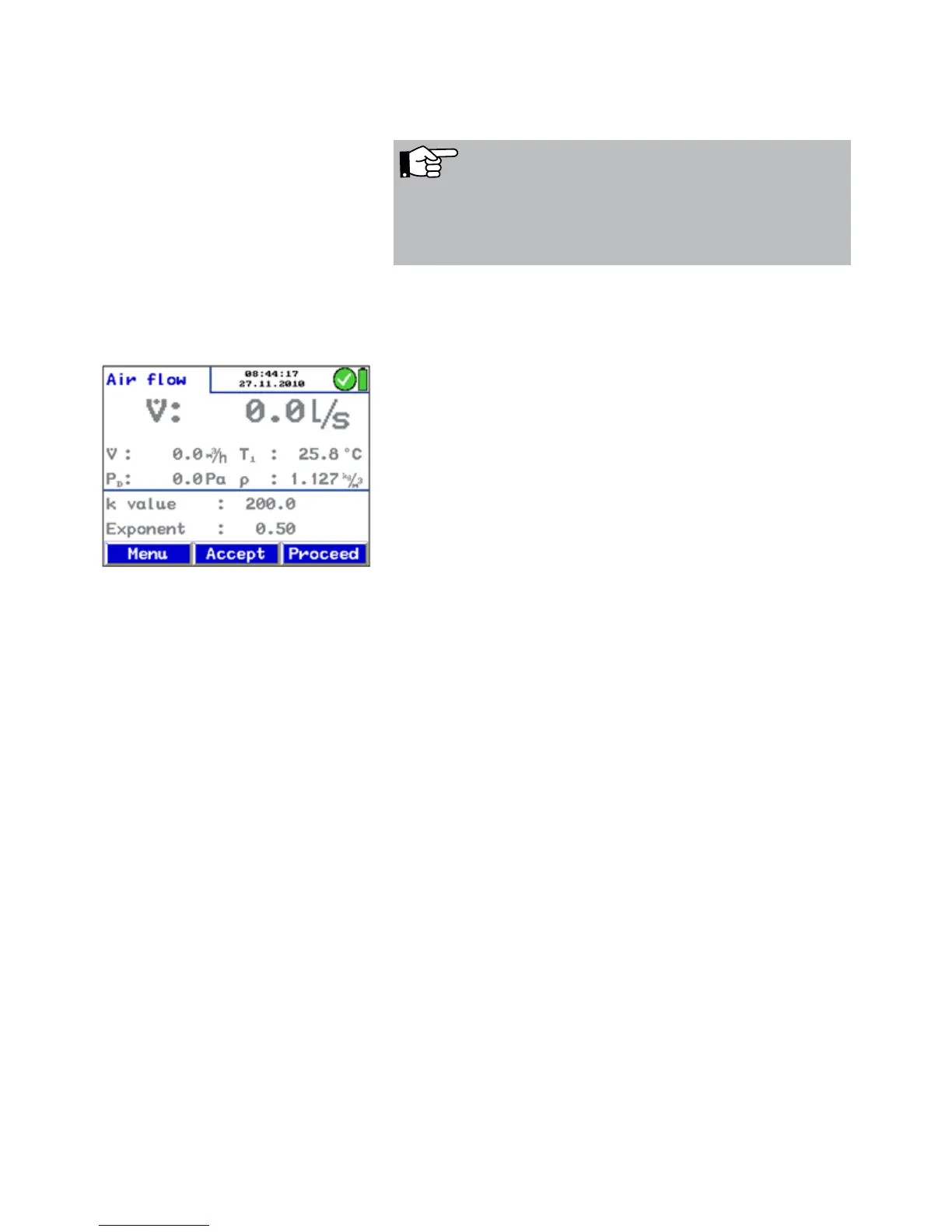
PD = 0 Press PD = 0 (menu bar, see Fig. 24 ) to zero the pressure
sensor.
NOTE!
We recommend to zero the pressure sensor, if the pressure
indicated in the display is not PD = 0 after the measuring
hoses have been removed.
• Modify the k-value of the component until the k value of
the component matches with the k-value indicated by the
meter.
• Press OK to confirm. The air flow mode (k-value) will
appear again.
• Now the user can perform another measure-ment to con-
firm the result and save the value afterwards.
• If necessary, select the "k-value matching" mode from the
main menu again.
Fig. 26: Air Flow Mode



 To Next Page