44
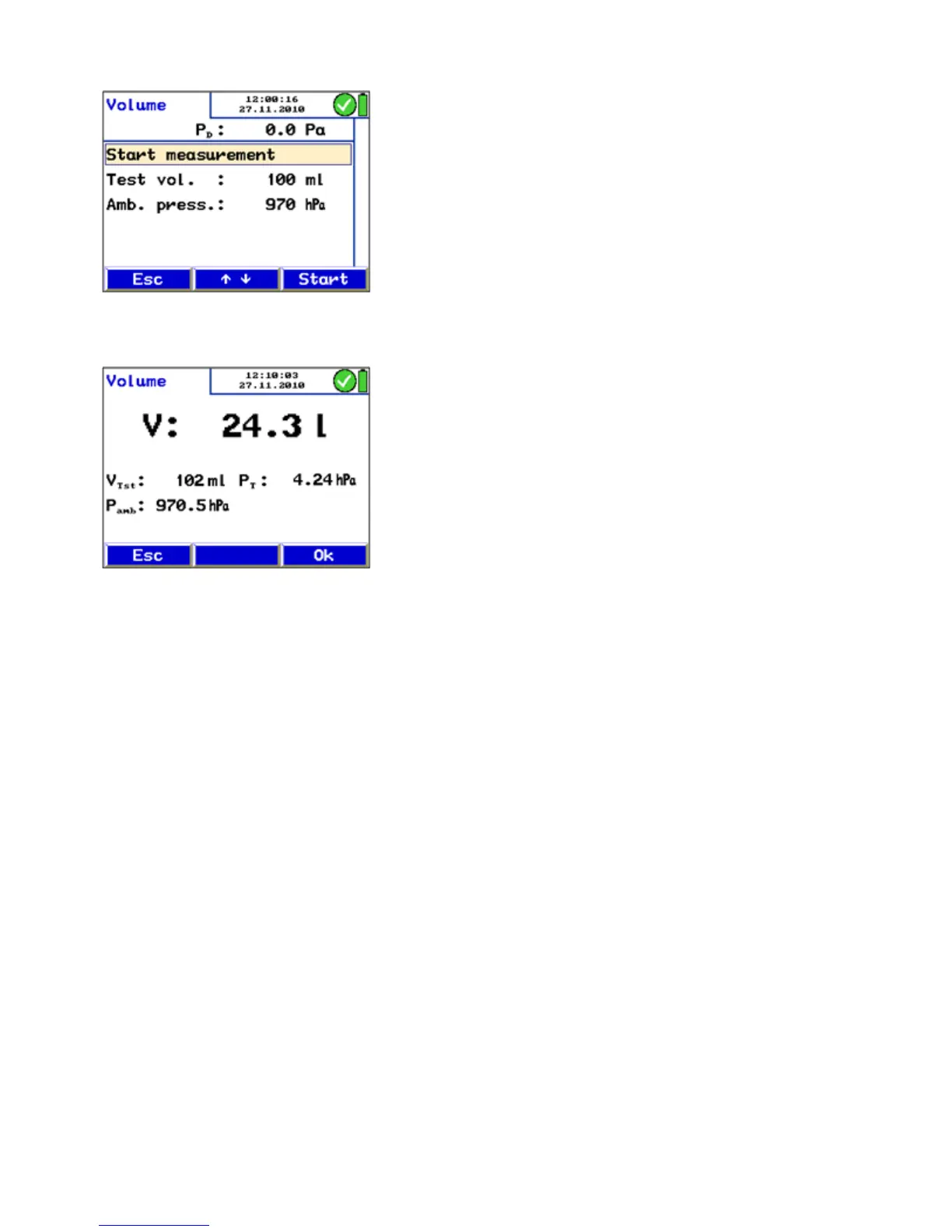
Fig. 55: Presettings (Volume test)
Fig. 56: Volume test result
• Press "Start".
In the display the request to add/remove the sample volume
will appear.
• Take the sample volume with the syringe or the soot test
pump.
• When the value V keeps stable, press "OK to save the
data.
In the main menu a tick mark beside "Volume" will indicate
that the volume test already has been done.
V
TST
= Volume
Test
P
T
= Pressure
Tube
P
amb
= Ambient Pressure



 To Next Page