SYSTEM PROGRAMMING
Following are instructions for programming each Area of the
AM/II memory. Only the Areas pertaining to the specific
installation need to be programmed. Reference the following
pages with the programming outline to complete the system
programming.
The AM/II must be in Program Mode to perform any system
programming. FOLLOW THE STEPS IN THE
PROGRAMMING OUTLINE TO PROGRAM THE SYSTEM.
Because many of the features of the AM/II are interrelated,
certain areas must be programmed before other areas.
Entering Program Mode
STEP 1
Enter programming mode by pressing and holding
the [
*
] key for about five seconds. With computer
access press the ESC key.
STEP 2
Enter 123456 (if the system is new), or the correct
password and press [OK].
Exiting Program Mode
Exit Program Mode by pressing and holding the [
*
] key for three
seconds. With computer access, press CTRL-Z.
☞
NOTE: The system will automatically exit Program Mode
after five minutes of programming inactivity.
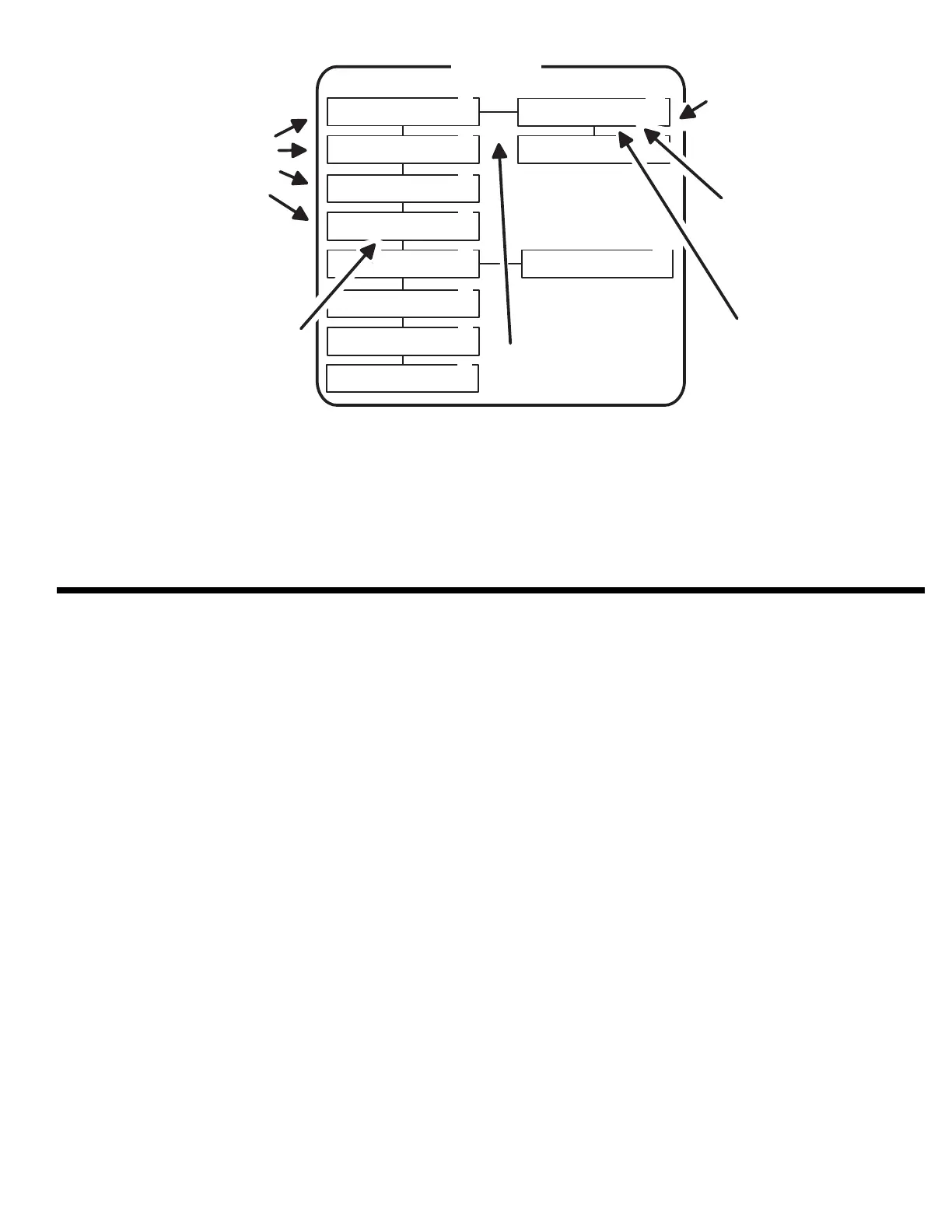
UP & DOW N
ARROWS WILL
M OVE BETW EEN
MENU TOPICS
[OK] KEY SELECTS
SUB-M ENUS
LEFT & R IG H T
ARROWS WILL
M OVE BETW EEN
MENU ITEMS
B L IN K IN G IT E M
IS T H E O N E
CURRENTLY
SELECTED
[OK] KEY ENTERS
SELECTED M ENU
IT E M IN T O
MEMORY
[OK] KEY ENTERS
NUMERIC DATA
IN T O M E M O R Y
OK
AREA 01
SINGLE TRANSMITTERS
Learn Single Xmtr(s)
Press OK when Ready
1.1
1.2
1.3
1.4
1.5
1.1B
1.1A
Select Validation Group.
0 1 2 3 4 5 6 7 8 9 10 11 12 13 14 15
Learning Transmitters
Transmitter ID: = 0001
Enter Single Xmtr Numb
Enter Xmtr. ID: 000
Suspend Single Xmtr.
Transmitter ID: = [0000]
Reactivate Single Xmtr.
Transmitter ID: = [0000]
Delete One Single Xmtr.
Transmitter ID: = [0000]
Status of Single Xmtr.
Transmitter ID: = [0000]
1.7
1.5A
Item/Code:
Press OK When Ready
1.6
Enter Expiration Date.
Expires On: mm/dd/yyyy
Delete All Single Xmtr.
Are You Sure? Yes No
1.8
37



 To Next Page