AREA 23
Facility/Site Codes
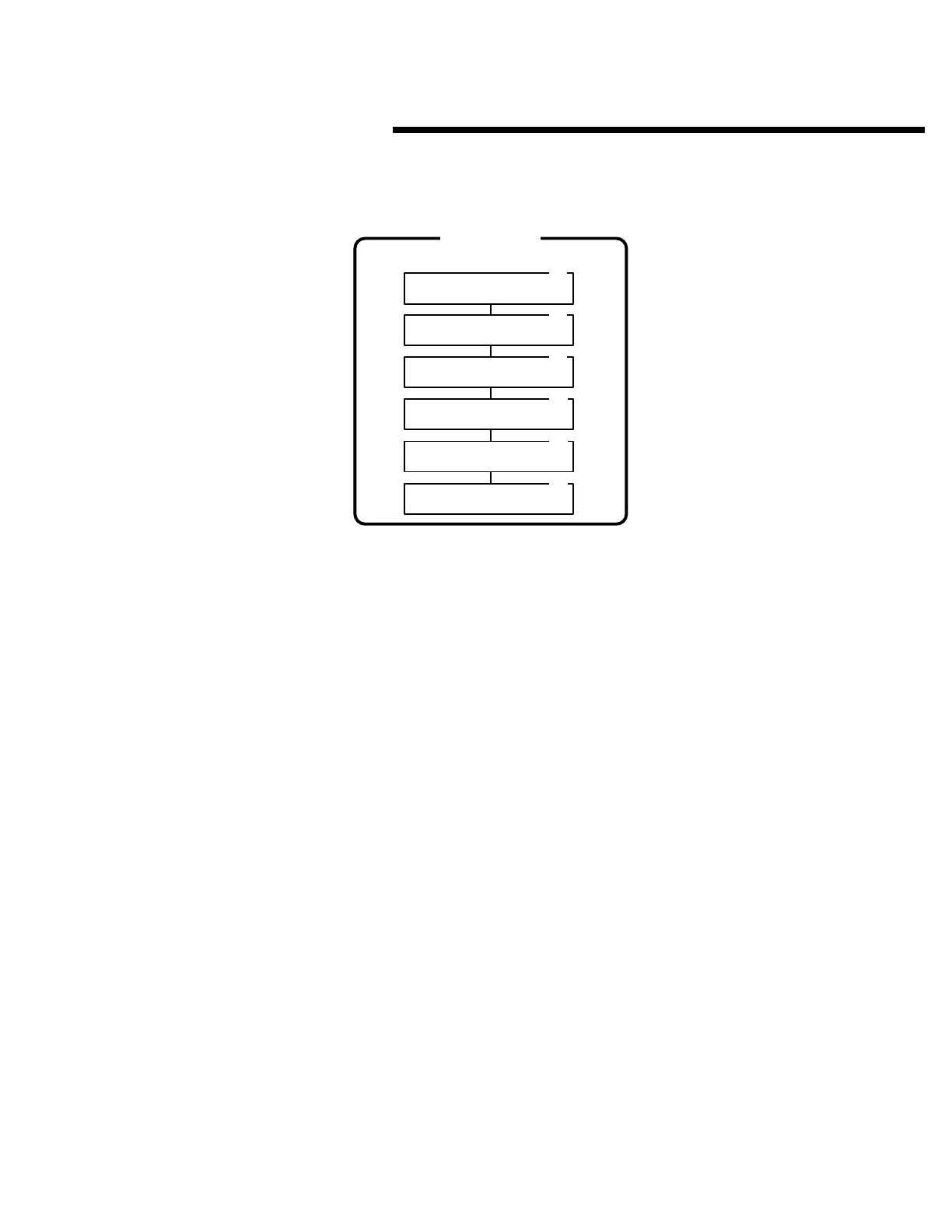
Area 23 is used to program the system site code, the
transmitter facility code and the four card facility codes.
Facility and site codes are used in networked installations
and when the AM/II is connected to an external access
control system.
Each of the following activities are performed in programming
Area 23. From the main menu, use [
⇑
], [
⇓
] or enter “23” on the
keypad to scroll to “Facility/Site Codes, Enter Program
Area 23” and press [OK]. Press [
*
] when finished to return to
the main menu.
System Site Code
➊
Use [
⇑
] or [
⇓
] to scroll to “System Site Code”.
➋
Enter the five-digit “System Site Code” and press [OK]. The custom
system site code number for entry cards is determined by Linear at the
time of the block coded transmitter order.
Transmitter Facility Code
☞
NOTE: The Transmitter Facility Code is only used with block coded
transmitters.
➊
Use [
⇑
] or [
⇓
] to scroll to “Txmtr Facility Code”.
➋
Enter the three-digit transmitter facility code and press [OK]. The
transmitter facility code for the block of transmitters is labeled on the
transmitter master carton. The custom facility code number is
determined by Linear at the time of the block coded transmitter order.
Card Facility Codes
☞
NOTE: The Card Facility Codes are only used with block coded entry
cards. The card facility code for the block of entry cards is labeled on the
cards’ master carton.
➊
Use [
⇑
] or [
⇓
] to scroll to “Card Facility Code 1”.
➋
Enter the three-digit card facility code for code #1 and press [OK].
➌
Use [
⇑
] or [
⇓
] to scroll to “Card Facility Code 2”.
➍
Enter the three-digit card facility code for code #2 and press [OK].
➎
Use [
⇑
] or [
⇓
] to scroll to “Card Facility Code 3”.
➏
Enter the three-digit card facility code for code #3 and press [OK].
➐
Use [
⇑
] or [
⇓
] to scroll to “Card Facility Code 4”.
➑
Enter the three-digit card facility code for code #4 and press [OK].
FACILITY/SITE CODES
AREA 23
23.1
23.2
23.3
System Site Code
Site Code: 00000
Txmtr Facility Code
Fac Code: 000
Card Facility Code 1
Fac Code [1]: 000
Card Facility Code 2
Fac Code [2]: 000
Card Facility Code 3
Fac Code [3]: 000
Card Facility Code 4
Fac Code [4]: 000
23.4
23.5
23.6
55



 To Next Page