AREA 03
OBSTACLE TRANSMITTERS
Area 03 is used to enter, delete and define names for
Model MGT obstacle transmitters.
Each of the following activities are performed in programming
Area 03. From the main menu, use [
⇑
], [
⇓
] or enter “03” on the
keypad to scroll to “Obstacle Transmitter(s), Enter Program
Area 03” and press [OK]. Press [
*
] when finished to return to
the main menu.
Naming Obstacle Transmitters
➊
Use [
⇑
] or [
⇓
] to scroll to “Which Obstacle Xmtr”.
➋
Use [
⇐
] or [
⇒
] to select “OBTx1” or “OBTx2” (obstacle transmitter 1
for Channel C, obstacle transmitter 2 for Channel D). Press [OK] when
desired selection is blinking.
➌
Enter the transmitter name and press [OK].
To name the other obstacle transmitter, repeat Steps 1-3.
Learning Obstacle Transmitters
➊
Use [
⇑
] or [
⇓
] to scroll to “Which Obstacle Xmtr”.
➋
Use [
⇐
] or [
⇒
] to select “OBTx1” or “OBTx2” (obstacle transmitter 1
for Channel C, obstacle transmitter 2 for Channel D). Press [OK] when
desired selection is blinking.
➌
Use [
⇑
] or [
⇓
] to scroll to “Learn Obstacle Xmtr.” and press [OK].
➍
Activate MGT obstacle transmitter, display will show the learned ID#.
To learn the other obstacle transmitter, repeat Steps 1-4.
Deleting Obstacle Transmitters
➊
Use [
⇑
] or [
⇓
] to scroll to “Which Obstacle Xmtr”.
➋
Use [
⇐
] or [
⇒
] to select “OBTx1” or “OBTx2” (obstacle transmitter 1
for Channel C, obstacle transmitter 2 for Channel D). Press [OK] when
desired selection is blinking.
➌
Use [
⇑
] or [
⇓
] to scroll to “Delete Obstacle Xmtr.” and press [OK].
To delete the other obstacle transmitter, repeat Steps 1-3.
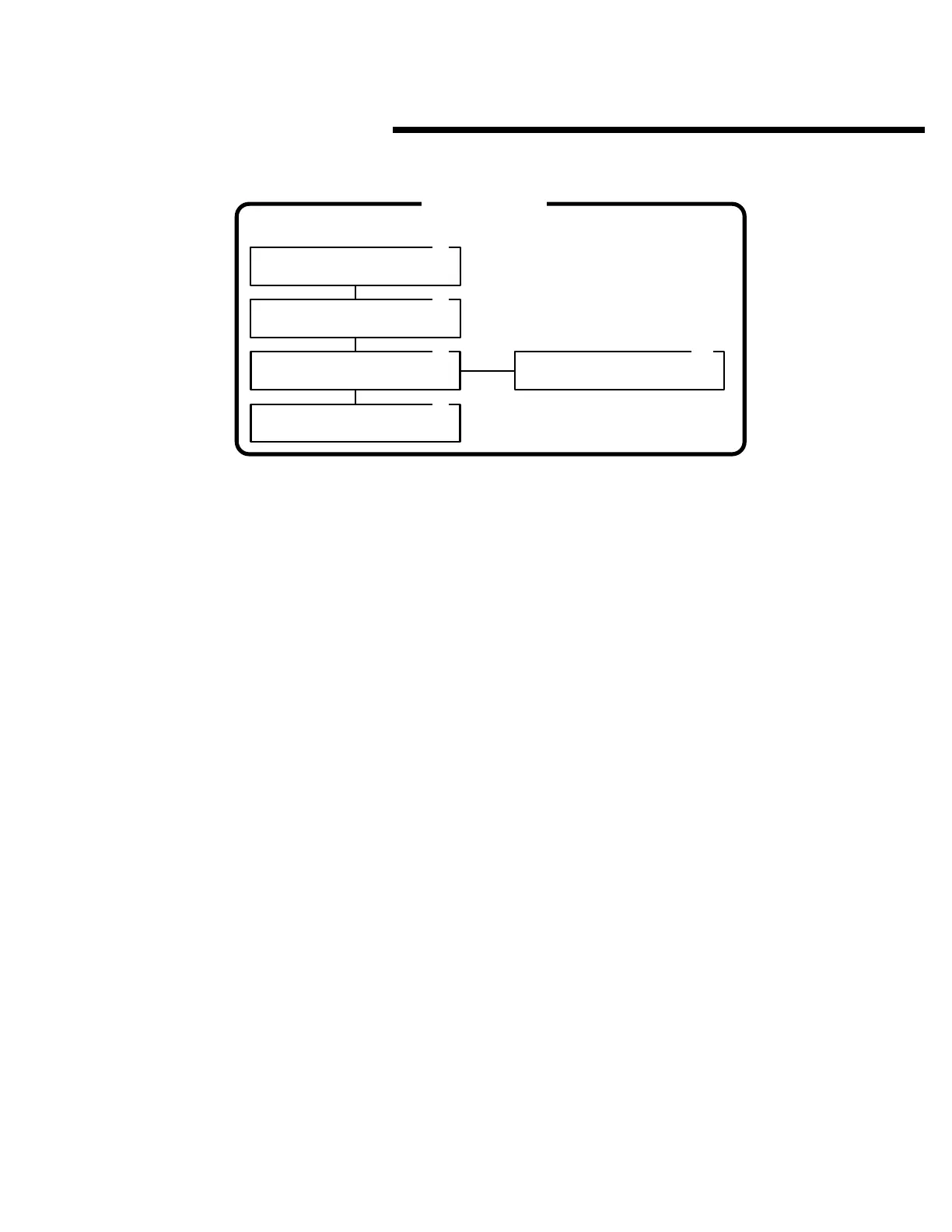
AREA 03
OBSTACLE TRANSMITTERS
Learning Obstacle Xmtr.
Learned ID = 00000
3.1
3.2
3.3
3.3A
Which Obstacle Xmtr.
OBTx1 OBTx2
Transmitter Name.
Learn Obstacle Xmtr.
Press OK when Ready
Delete Obstacle Xmtr.
Press OK when Ready
3.4
43



 To Next Page