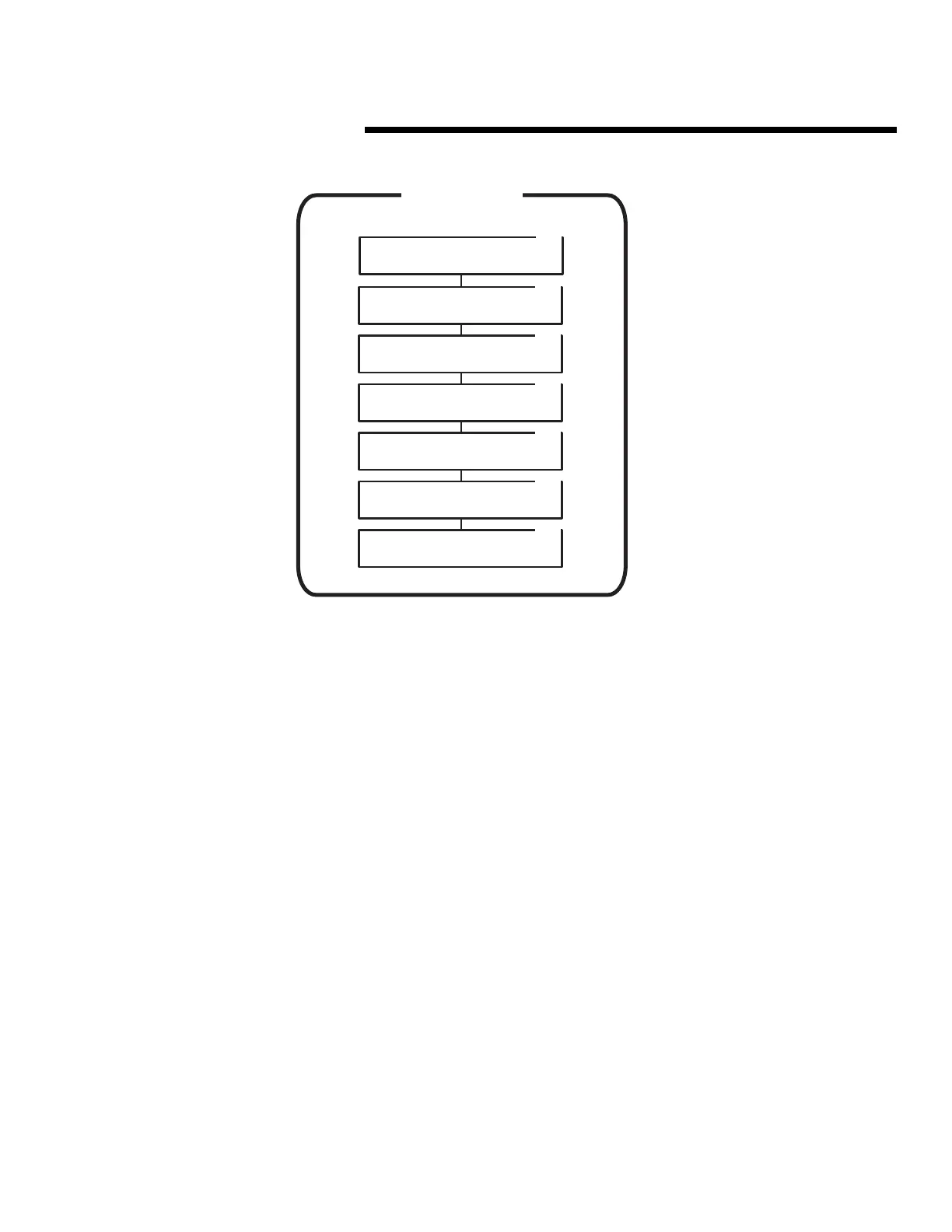
AREA 10
VALIDATION GROUPS
Area 10 is used to program door schedules, time zones and
anti-passback selection for each of the 15 validation groups.
Each of the following activities are performed in programming
Area 10. From the main menu, use [
⇑
], [
⇓
] or enter “10” on the
keypad to scroll to “Validation Groups, Enter Program Area 10”
and press [OK]. Press [
*
] when finished to return to the main
menu.
☞
NOTE: Door schedules, time zones and button schedule
should be set before programming the validation groups.
When a validation group is programmed, it aquires the
button schedule that is currently set.
Configuring Validation Groups
➊
Use [
⇑
] or [
⇓
] to scroll to “Validation Group [1-15]”.
➋
Enter the number of the validation group to program and press [OK].
➌
Unit displays: “Door Schedule [0-15]”. Enter 0-7 to select a door
schedule for the validation group selected and press [OK]. (Door
schedule 0 allows access to all four relay channels.)
➍
Unit displays: “Which Time Zone [0-15]”. Enter 0-15 to select a time
zone for the validation group selected and press [OK]. (Time zone 0
allows access at any time.)
➎
Use [
⇐
] or [
⇒
] to choose “None” or “Timed” for “Select Anti-Passback”
for the validation group selected. When the desired selection is blinking,
press [OK].
To program additional validation groups, repeat Steps 1-5.
AREA 10
VALIDATION GROUPS
10.1
Validation Group [1-15].
Validation Group Num: 00
10.2
Door Schedule [0-15]
Door Schedule Number
10.3
Choose First Time Zone
Time Zone [0-15] 00
10.4
Choose Second Time Zone
Time Zone [0-15] 00
10.5
Choose Third Time Zone
Time Zone [0-15] 00
10.6
Choose Fourth Time Zone
Time Zone [0-15] 00
10.7
Select Anti-Passback.
None Timed
48



 To Next Page