13
WWW.LIONPROTECTS.COM
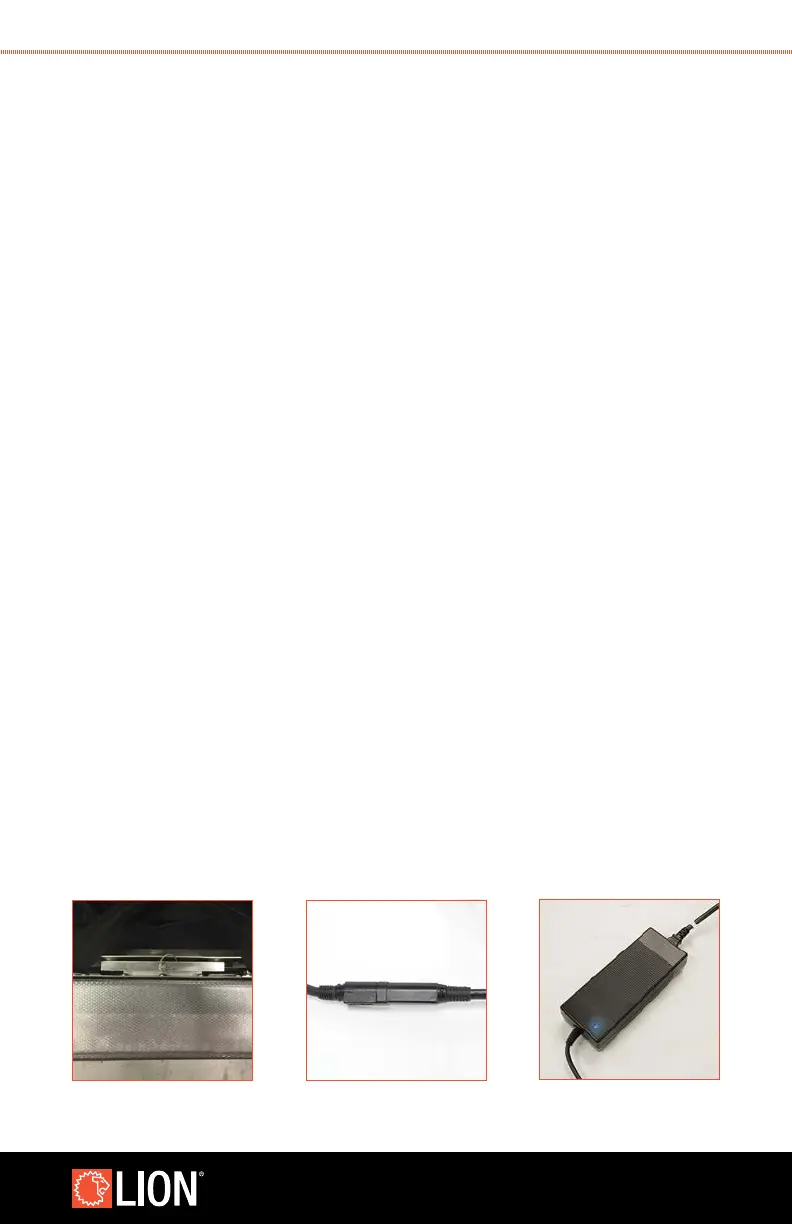
11. Push the top of the panel against the back plate of the weighted base until you hear
the pin click into place.
12. Make sure the panel is securely mounted by pushing and pulling the panel in
different directions.
13. Plug the power cord into the power supply, then plug the power supply into a
Ground Fault Circuit Interrupter (GFCI)/Residual-Current Circuit Breaker (RCCB) outlet
that is within a dry environment and will not come in contact with any water spray.
When the power supply is successfully connected, a blue light will appear. The power
supply to power cord connection and the power supply to wall outlet connection
must be in a dry environment. The connection of the power cord to the panel can be
in a wet environment.
STEP 11 STEP 13 (A) STEP 13 (B)



 To Next Page