EasyManua.ls Logo

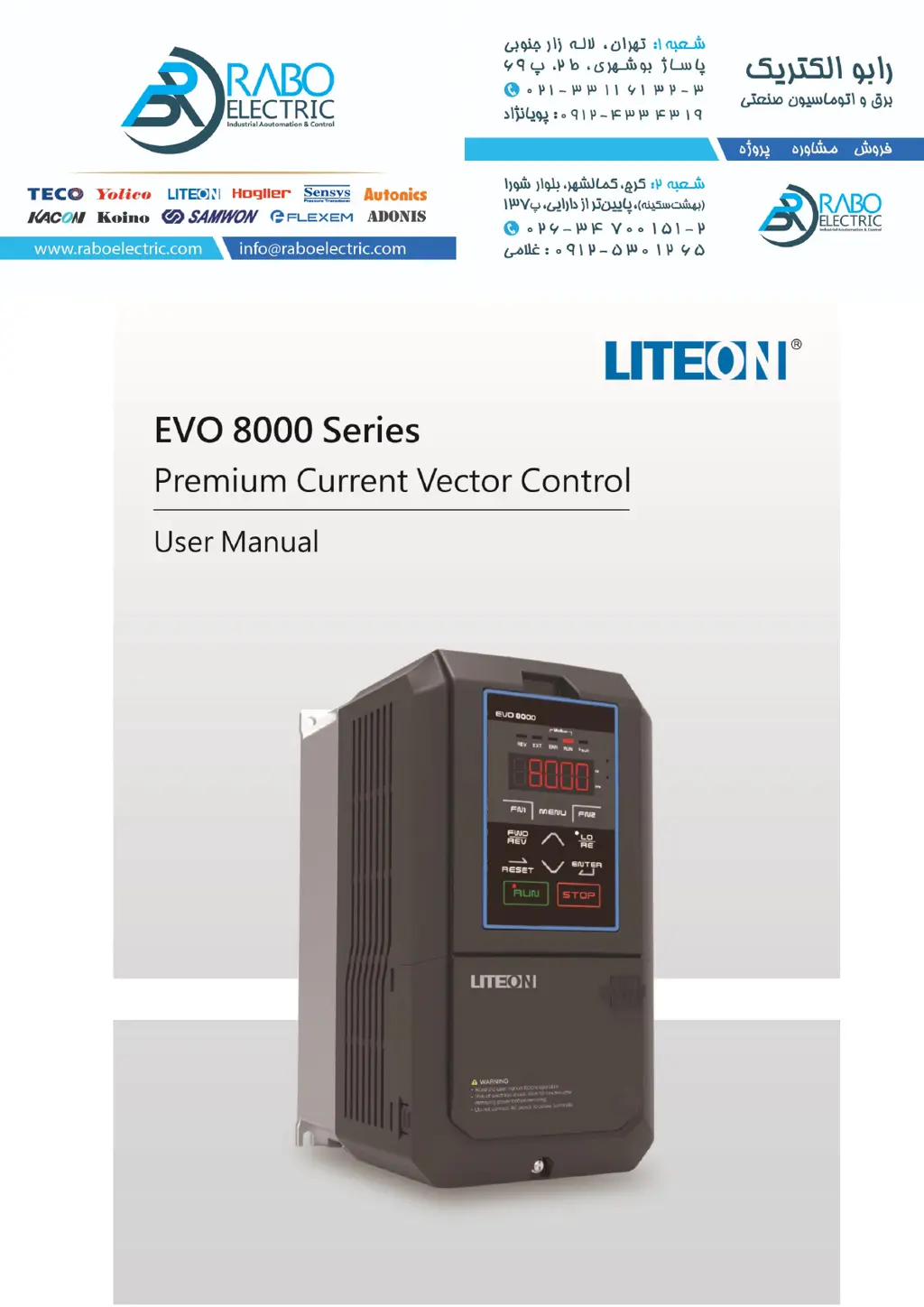
LiteOn EVO 8000 Series - User Manual

LiteOn EVO 8000 Series
169 pages
Print Icon
To Next Page IconTo Next Page
Loading...

Questions and Answers

  • M
    Monica SullivanAug 13, 2025
    Why is my LiteOn EVO 8000 DC Drives heatsink overheating?
    • C
      cmooreAug 14, 2025
      If your LiteOn DC Drive's heatsink is overheating, first check the temperature around the drive. Try improving airflow inside the enclosure, installing a cooler, or removing heat sources. Next, measure the output current and reduce the load or lower the setting in C6-00 (Carrier Frequency Option). Finally, replace the cooling fan if necessary.
  • B
    Benjamin WallaceAug 17, 2025
    What to do if LiteOn DC Drives motor overheat?
    • C
      Christy SchmidtAug 17, 2025
      If your LiteOn DC Drive motor is overheating, ensure the wiring for terminal MT is correctly connected. Inspect the machinery for any faults. Also, check the load, acceleration/deceleration time, and cycle time. You may need to reduce the load, increase the C1-00 to C1-07 (Acc./Dec. Time) settings, or adjust d1-02 to d1-11 (V/F Characteristics).
  • P
    Pamela DavisAug 21, 2025
    How to fix external fault on LiteOn DC Drives (Input Terminal S1 to S8)?
    • D
      Daniel TorresAug 21, 2025
      If you are experiencing an external fault with your LiteOn DC Drives (Input Terminal S1 to S8), first, identify and remove the cause of the external fault and then reset the multi-function input. Next, verify that the signal lines are correctly connected to the terminals assigned for external fault detection (E1-??= 23 to 38). Lastly, ensure that E1-??=23 to 38 is not set to unused terminals.
  • A
    Amanda MedinaAug 25, 2025
    How to troubleshoot input phase loss on LiteOn EVO 8000 DC Drives?
    • P
      patricia60Aug 26, 2025
      If your LiteOn DC Drive has input phase loss, check the main circuit drive input power wiring and correct any errors. Ensure the terminals are tightened correctly, applying the specified tightening torque. Confirm the voltage from the drive input power and implement solutions for stabilizing it. If the problem persists despite a normal drive input power, replace the entire drive or the control board. Contact your local distributor for more information.
  • X
    xwilliamsAug 29, 2025
    What to do if LiteOn EVO 8000 DC Drives PID feedback is high?
    • E
      Eric PrinceAug 29, 2025
      If your LiteOn DC Drive shows PID feedback high, confirm the b5-22 and b5-23 settings. Correct the wiring if it's incorrect. If the feedback sensor is damaged, replace it. If the feedback input circuit malfunctions, replace the PCB or drive and contact your local distributor.
  • N
    Nancy RichardsonSep 1, 2025
    How to resolve overtorge detection 1 on LiteOn EVO 8000?
    • M
      Monica RiveraSep 1, 2025
      If your LiteOn DC Drive shows overtorge detection 1, reset P6-01 and P6-02. Then, check the machinery and load status.
  • D
    Daniel SpearsSep 5, 2025
    What to do if LiteOn EVO 8000 displays overtorge detection 2?
    • M
      Maurice JohnsonSep 5, 2025
      If your LiteOn DC Drive shows overtorge detection 2, reset P6-04 and P6-05. Check the machinery and load status.
  • T
    Thomas HillSep 9, 2025
    How to fix undertorque detection 2 on LiteOn EVO 8000?
    • L
      lindsey35Sep 9, 2025
      If your LiteOn DC Drive displays undertorque detection 2, reset P6-04 and P6-05. Ensure there is no problem on the machinery side.

Summary

Chapter 1 | Safety

General Safety

Covers usage, receiving, installation, wiring, operation, and maintenance guidelines.

Warning Label

Details about the warning label on the drive and its instructions.

AC Drive Application Precautions

Discusses selection, settings, handling, and warranty for AC drives.

Warranty Information

Information on warranty period and restrictions.

Chapter 2 | Product

Components of Inverter

Describes the various components of the inverter, including panel mounting details.

Nameplate Specifications

Details about the inverter's nameplate information and specifications.

Model Number Definition

Explains the structure and meaning of the inverter's model number.

Power Ratings

Lists the power ratings and specifications for different inverter models.

Common Specifications

Provides a summary of common technical specifications for the inverter.

Product Dimensions

Details the physical dimensions and frame sizes of the inverter.

EMC Filter Selection

Information on EMC filter selection for different models.

Available Accessories

Lists available accessories for the inverter, such as communication cards and kits.

Chapter 3 | Drive Installation

Installation Environment Requirements

Specifies the required environmental conditions for optimal drive performance.

Mounting Direction and Spacing

Guides on proper mounting orientation and clearance for airflow and wiring.

Keypad and Terminal Cover Installation

Instructions for installing and removing the keypad and terminal cover.

Wiring Protection Measures

Details on protecting the drive and cables from short-circuit situations.

Operator Installation in Control Cabinet

Procedures for installing the operator unit in an electric control cabinet.

Chapter 4 | Wiring

Wiring Safety Precautions

Essential safety precautions for wiring the drive and motor connections.

Main Circuit Wiring

Covers main circuit terminals, wiring, cable sizing, and tightening torque.

Control Circuit Wiring

Details control circuit terminals, wiring, cable sizing, and ferrule types.

I;O Connections

Explains sink/source mode selection, analog input/output, and RS-485 termination.

PC Connection

Instructions for connecting the drive to a PC via USB for parameter management.

Wiring Checklist

A checklist to ensure all wiring connections are correct before operation.

Chapter 5 | Keypad and Parameters

Keypad Operation

Describes the keypad layout, keys, and display functions, including LED indicators.

Parameter List

Comprehensive list of all parameters, their descriptions, and setting ranges.

Status Monitors

Displays current operational status, terminal status, and drive operation status.

Fault Information

Details on current and historical fault data, including frequency and output values.

Maintenance Monitors

Provides access to cumulative operation and fan times, and temperature monitoring.

PID Monitors

Displays PID feedback, input, output, target, and differential values.

Control Monitors

Shows motor speed, current, voltage feedback, and control mode status.

Chapter 6 | Troubleshooting

Alarm and Fault Displays

Lists common alarms and faults, their causes, and possible solutions.

Operation Errors

Details operational errors, their causes, and recommended troubleshooting steps.

Auto-Tuning Fault Detection

Identifies faults occurring during the auto-tuning process and their solutions.

Chapter 7 | Communication Protocol

MODBUS Communication Specifications

Outlines the specifications for MODBUS communication interface and parameters.

Communication Setup Steps

Guides on connecting communication cables and setting up communication.

Information Format

Explains slave site addressing and function codes for MODBUS communication.

MODBUS Data List

Lists MODBUS data points for command and monitoring, including addresses.

Appendix UL Description

Safety and Installation Notes

Details UL specific safety, environmental, and installation requirements.

LiteOn EVO 8000 Series Specifications

General IconGeneral
BrandLiteOn
ModelEVO 8000 Series
CategoryDC Drives
LanguageEnglish

Related product manuals