9
1
2
3
5
6
7
4
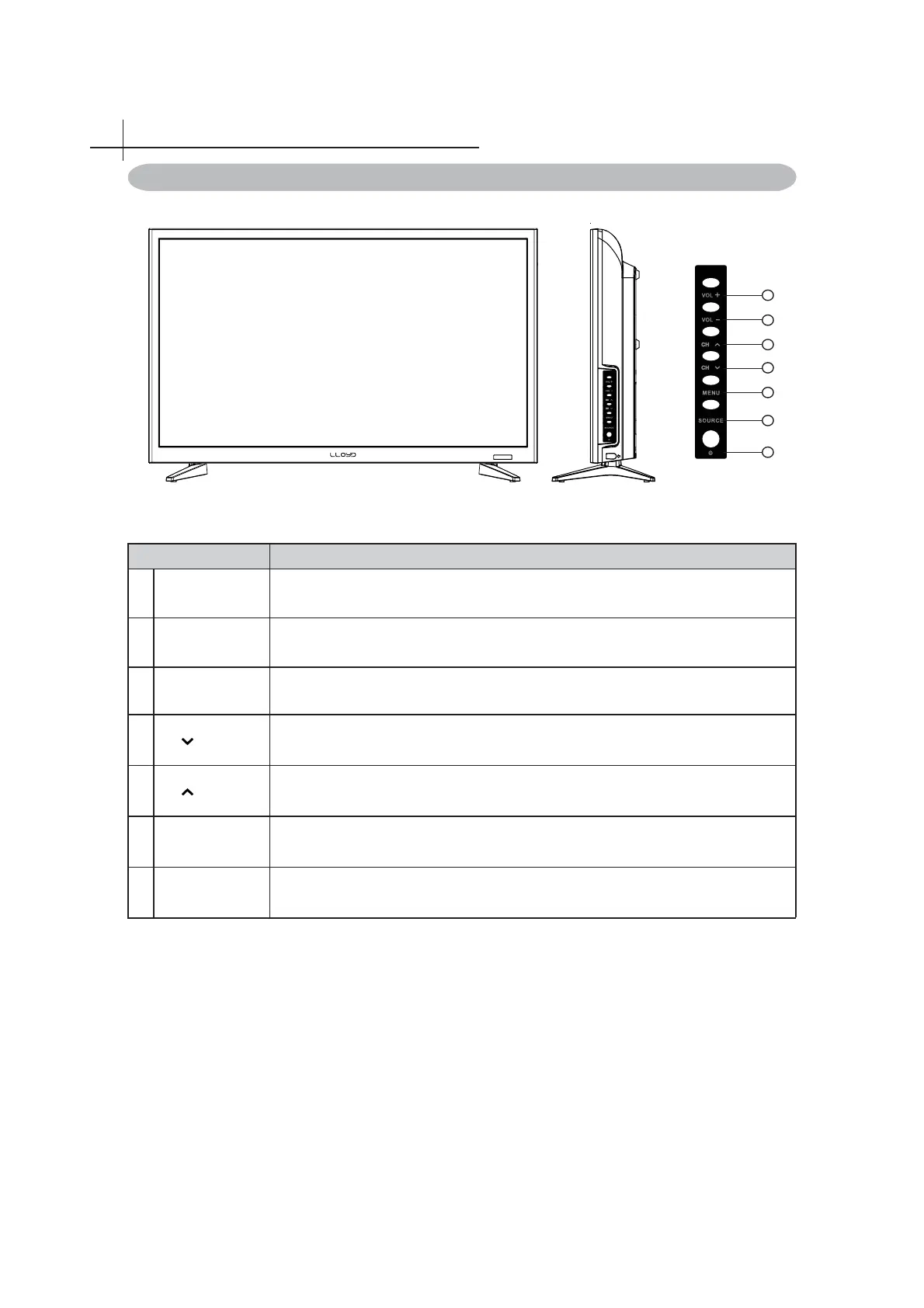
Item Description
1
Power Switch the TV on/standby.
2
SOURCE Select input source.
3
MENU Switch OSD menu ON/OFF.
4
CH Channel down when source is TV, or select a control while in OSD menu.
5
CH Channel up when source is TV, or select a control while in OSD menu.
6
VoL- Decrease sound volume or adjust a highlighted control while in OSD menu.
7
VoL+ Increase sound volume or adjust a highlighted control while in OSD menu.
Overview of the TV set
4
Front View



 To Next Page