22
Time setting
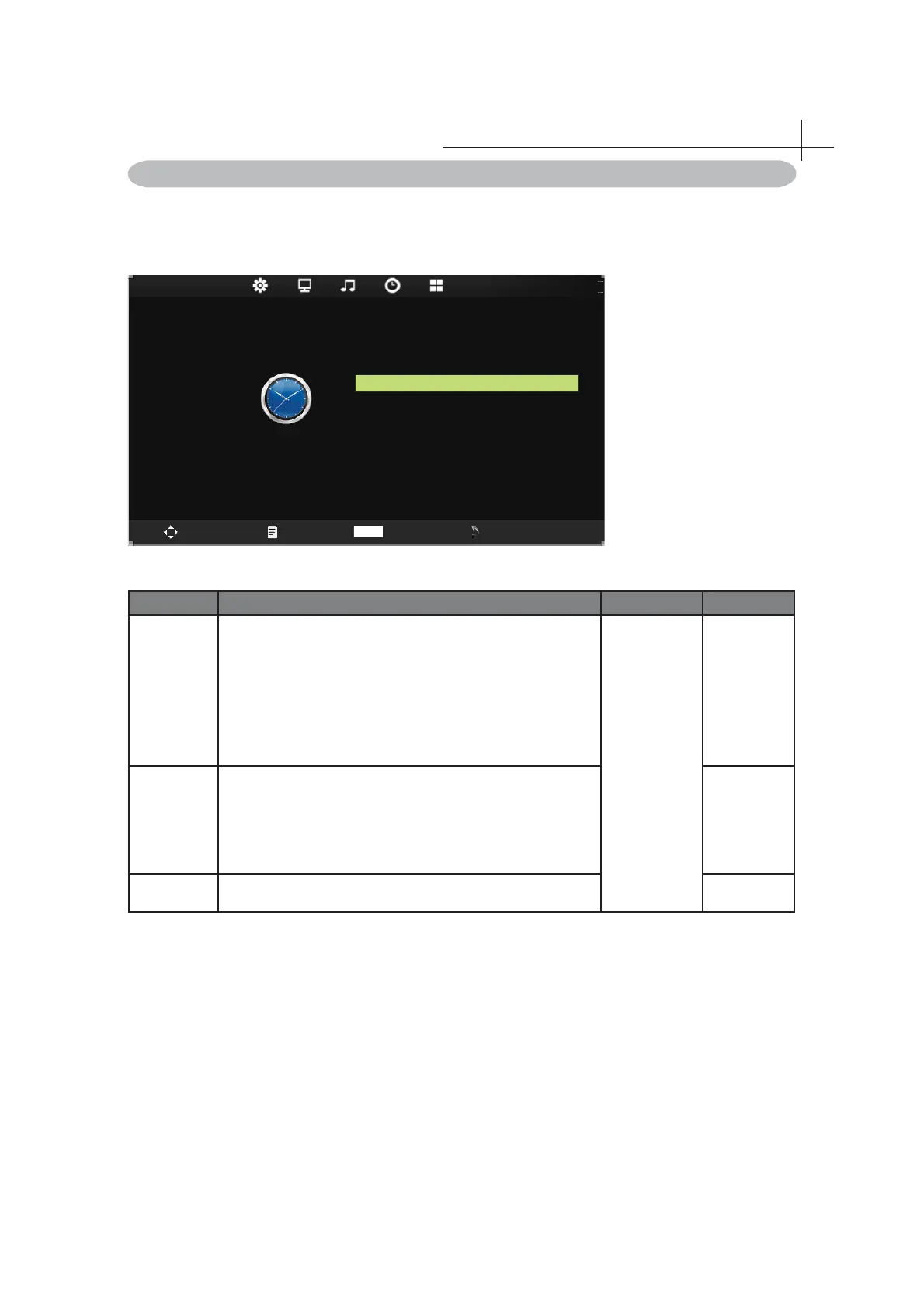
Time menu
Press MENU on the remote control to display the main Menu.
1. Press◄ or ►to select TIME.
2. Press▲ or ▼to highlight an item, press OK button to enter submenu.
Slee p Time r Off
OSD Timer 30s
Auto Slee p Off
TIME
Swap
Menu
Enter
Exit
OK
11
Item Function Operation Range
Sleep Timer
Closed or choose TV enters the sleep time, press the
right key to adjust: off / 10 min / 20min/30 min / 60 min
/ 90min/120min/180min/240min. Explains: the time is set
up to start to sleep time, the fi nal 30 seconds, the system
prompt "press any key to cancel", to confi rm whether
confi rm to shut down, at the same time, the system
automatically set it to off.
Press ► to
adjustment.
• Off
• 10min-
240min
Auto sleep
Select on, the TV will be automatically turned off, in case
of no signal in TV & input source or no remote control
input.
• Off
• 3H
• 4H
• 5H
OSD Timer Allow selection of the display time of the on-screen menu.



 To Next Page