20
Picture Setting
9
Picture menu
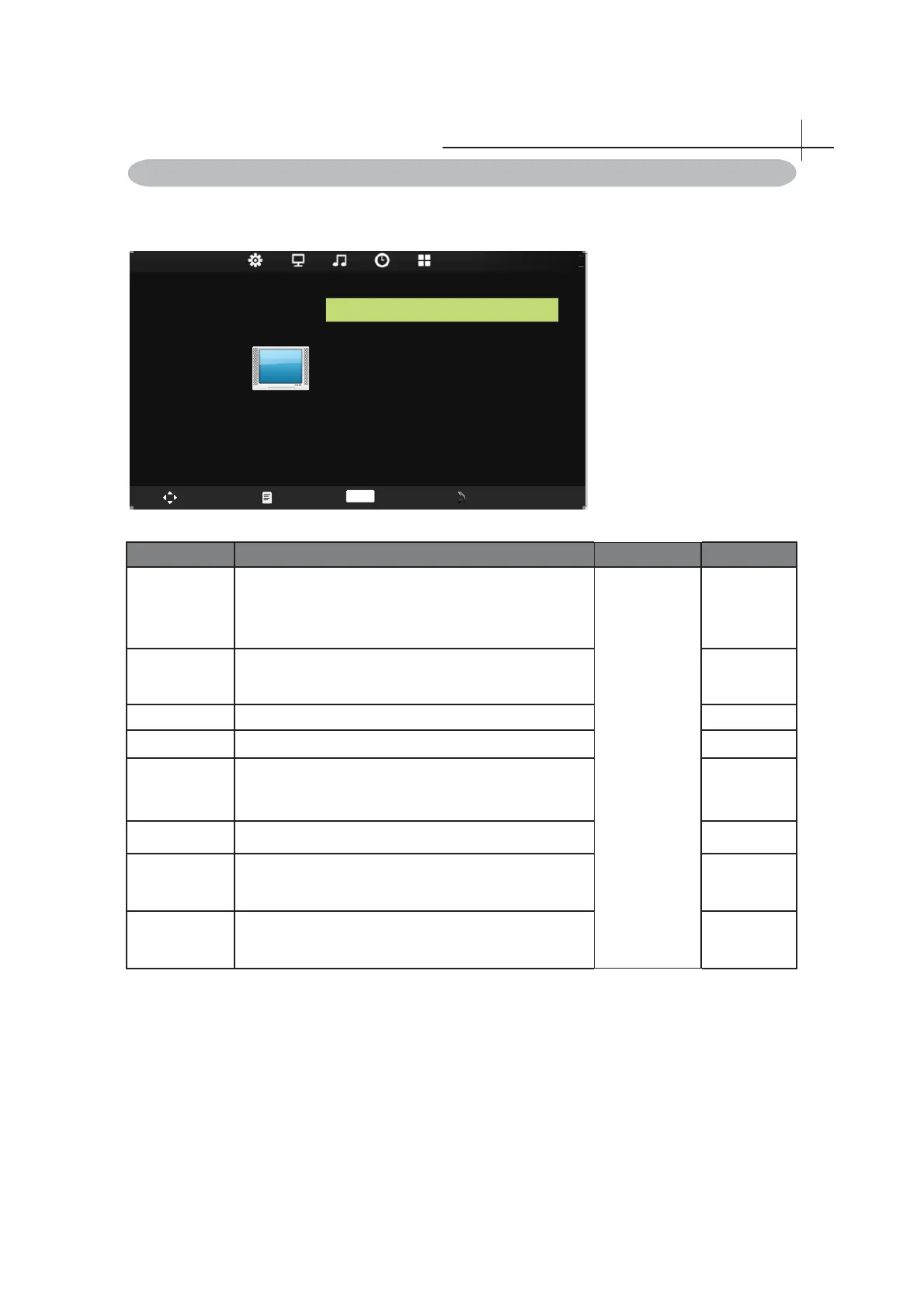
Press MENU on the remote control to display the main Menu.
1. Press◄ or ►to select PICTURE.
2. Press▲ or ▼to highlight an item, press OK button to enter submenu.
PICTURE
Move Menu Enter Exit
Picture Mode Standard
Color Tempe rat ure Medium
Noise Reduction Middle
Cont rast 50
Bright ness 5 0
Color 5 0
Tint 5 0
Sharpness 50
PICTURE
Swap Menu Enter Exit
OK
Item Function Operation Range
Picture mode Select your viewing preference from 4 options.
Press▲ or
▼to highlight
an item, press
OK or ◄►
button to enter
Sub menu.
• Dynamic
• Standard
• Eyesafe
• User
Contrast Set contrast intensity. 0-100
Brightness Set overall brightness. 0-100
Color Set color intensity. 0-100
Tint
Adjust colors toward green or red tint.
Note: Tint is available to be adjusted only when the
system of the video signal is NTSC.
0-100
Sharpness Adjust the picture clarity. 0-100
Color
Temperature
Cycle among color temperature display modes:Cool/
Warm/Medium.
Noise
Reduction
Select to reduce the noise level of connected
equipment:Off/Low/Middle/High.



 To Next Page