18
Basic Operation of the TV
7
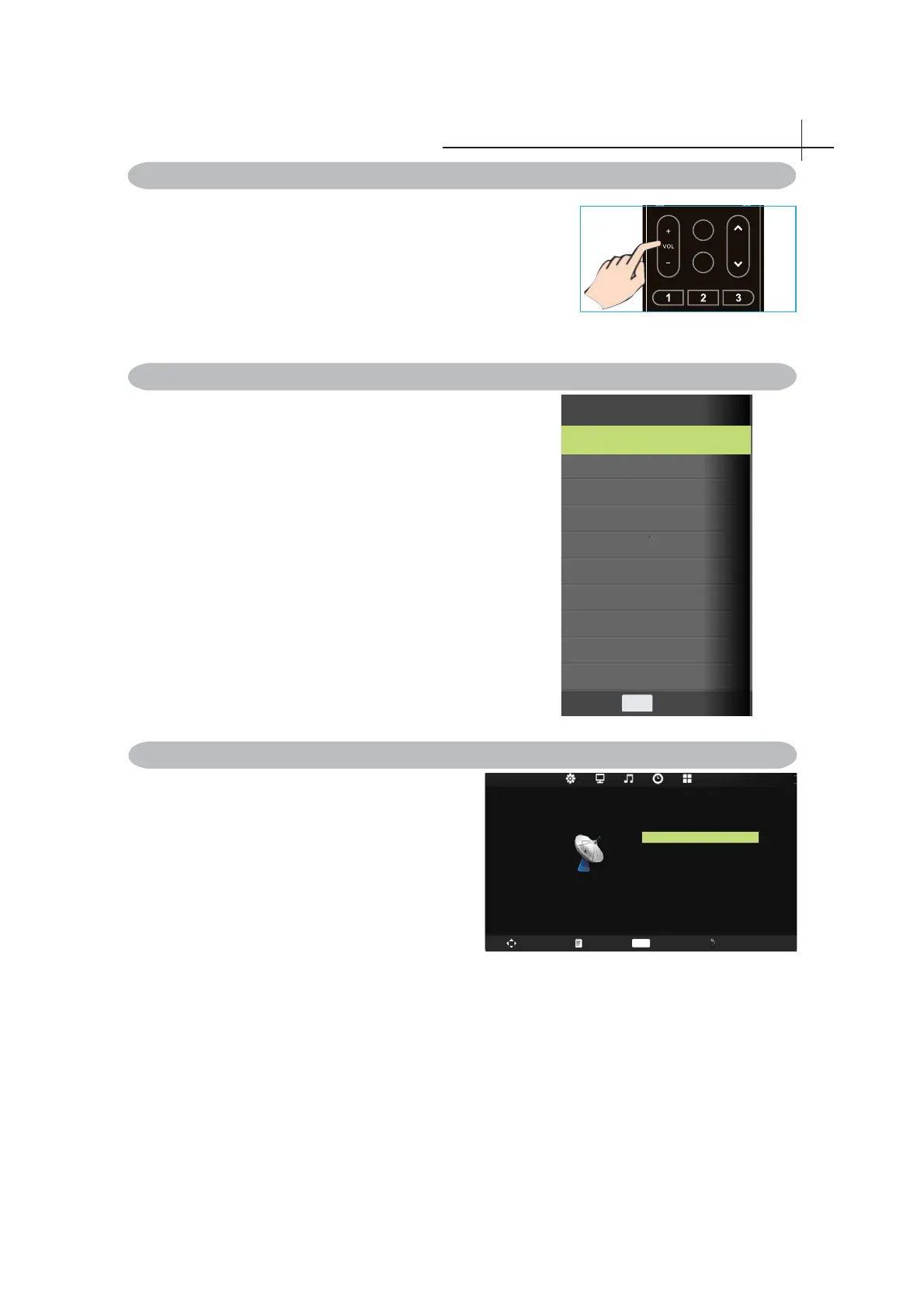
Press VOL +/- to adjust volume.
To turn off the volume, press MUTE.
To restore volume, press MUTE again.
1.Press MENU on the remote control to display the
main Menu.
The icons on the top of main menu stand for
the following five settings:CHANNEL/PICTURE/
SOUND/TIME/SETTING (lt is subject to current
source model).
2. Press◄ or ►to locate your desired setting.
3. Press▲ or ▼to highlight an item need to adjust.
4. Press ◄ or ► to adjust the setting or Press OK
to enter submenu.
5. Press MENU to return.
To select the TV or other external input sources connected to
the TV.
1. Press the SOURCE button on the remote control.
2. Press ▲ or ▼ to select the required input source between TV,
AV, YPBPR , HDMI ,PC or Media.
3. To confi rm the selection, press OK button to enter.
Adjusting the Volume
Selecting the Input Source
Access to the On Screen Display Menu
FAV
SLEEP
CH
PC
AV
Media
Input Source
TV
YPbPr
Enter
OK
HDMI
CHANNEL
Auto Tuning
Manual Tuning
Programme Edit
Swap Menu Enter Exit
OK



 To Next Page