23
Setting menu
Setting
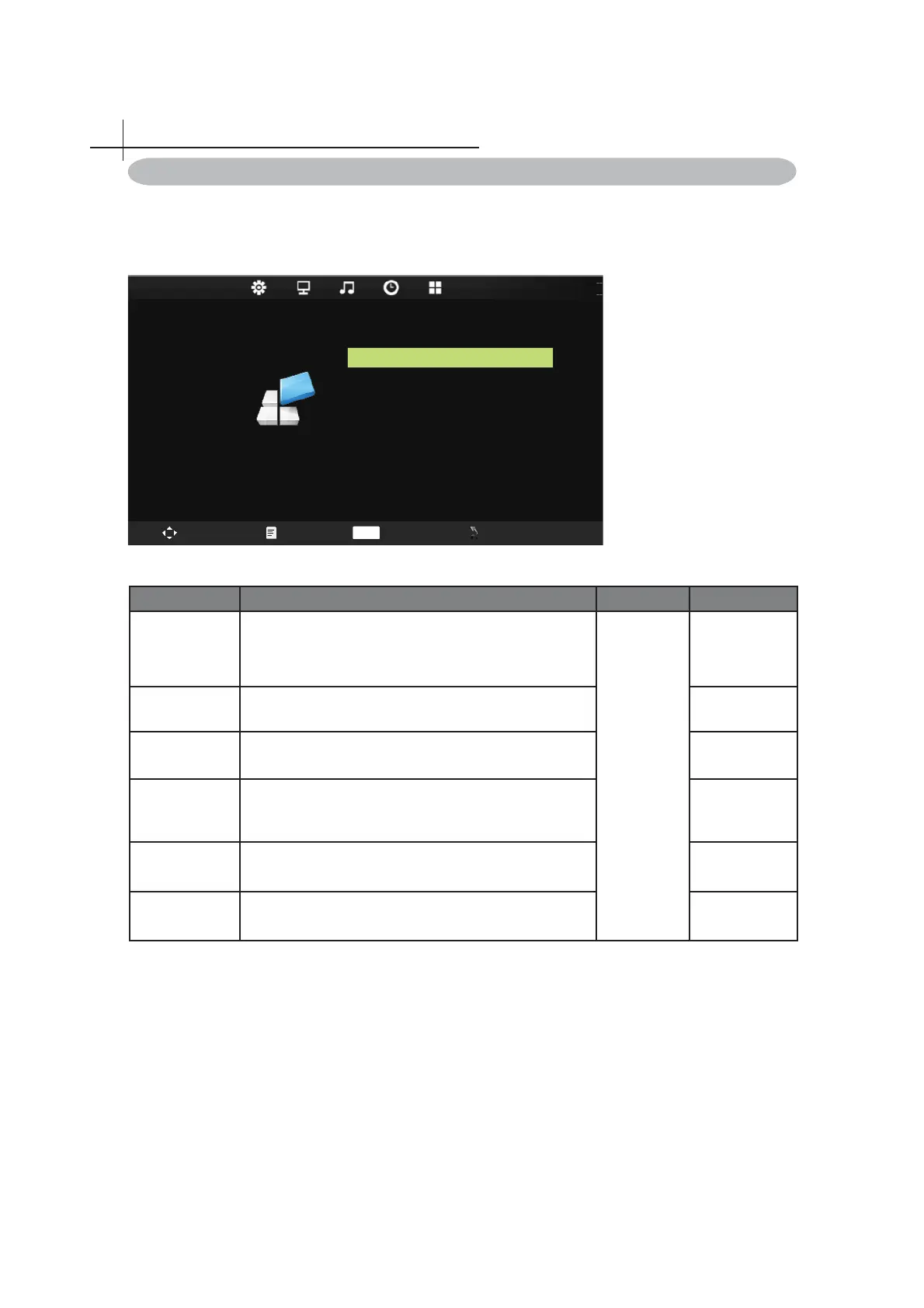
Press MENU on the remote control to display the main Menu.
1. Press◄ or ►to select SETTING.
2. Press▲ or ▼to highlight an item, press OK button to enter submenu.
OSD Language English
Blu e S cre en
Ke y Lock O f f
Reset
Software Update(USB)
Off
Aspect Rat io 16: 9
SETTING
Swap Menu Enter Exit
OK
12
Item Function Operation Range
OSD Language Setup menu display language.
Press ◄
or ► to
Adjustment.
Aspect Ratio
Allow to select the option of Aspect Ratio: 4:3, 16:9,
Zoom1, Zoom2, Full.
Blue Screen Select blue screen function on/off.
• On
• Off
Key Lock
Allow you to select the keylock to be On or Off. When
keylock’s condition is on, you can’t use the key panel
button.
• On
• Off
Reset Select Reset choose what you want.
Software
Update(USB)
For service use only.



 To Next Page