24
Media Play - USB Device
Multimedia
13
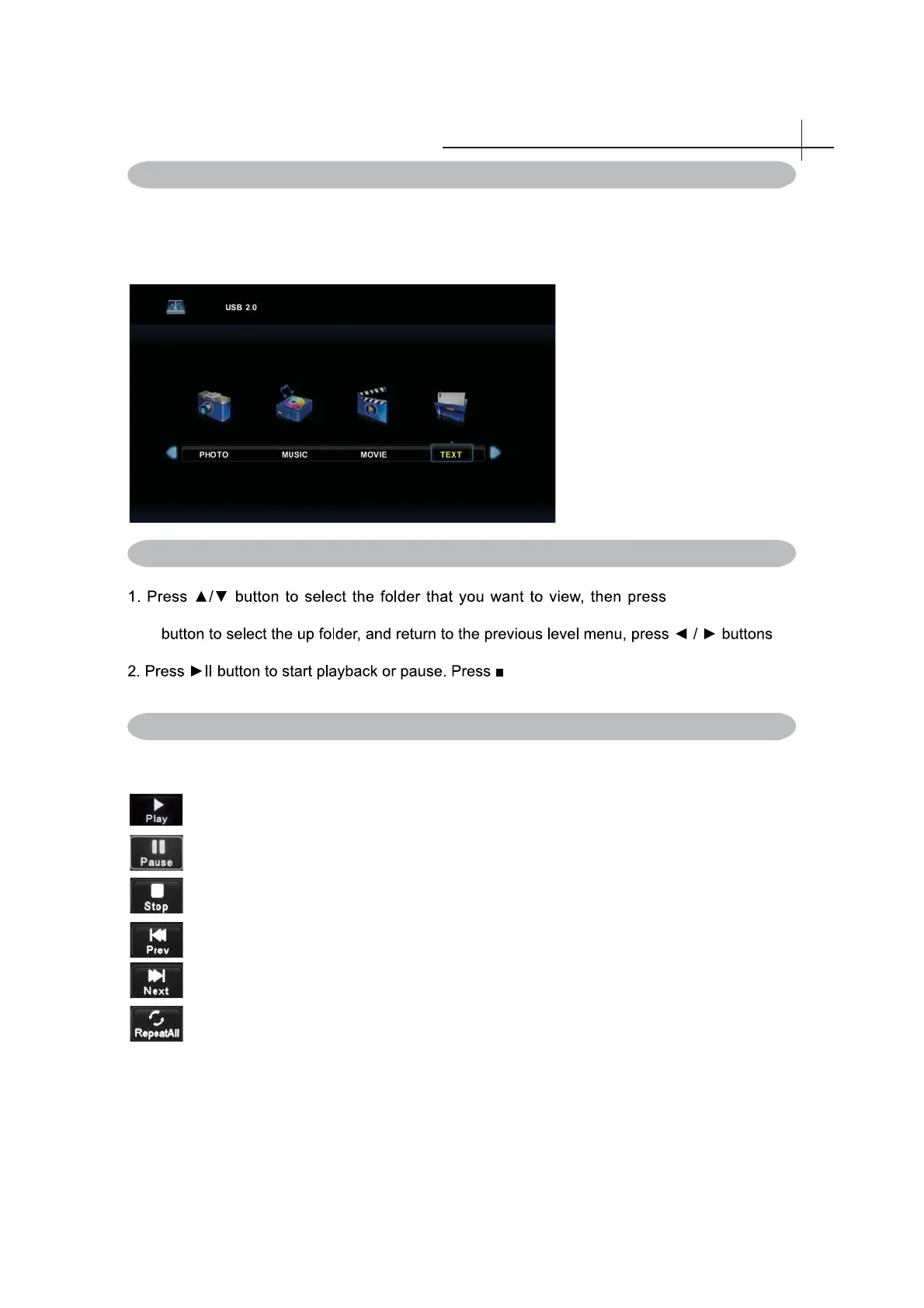
First press SOURCE into multimedia channel, plug in USB storage device, the following picture
mark color, if blue say television has to recognize the USB, gray has said no to recognize.
After confi rmed television to recognize USB storage devices, press ◄ or ►button to select photo/music/
movie/text, and press OK button to enter photo/music/movie/text operation basic same.
button to
select the s ub folder. Press b utton to play, press t he e xit button to return b ack. P ress
to turn pages.
button to stop playback.
3. Press button to play to the last item. Press button to play to the next item.
Pause
Stop
1. Follow the instruction below to enter the desired function.
Play
OK
OK
OK
Plating Photo / Music / Movie / Text
Photo / Music / Movie / Text Screen Display
Play previous a photo/music/movie/text.
Play next a photo/music/movie/text.
Circle mode,can choose repeat one,repeat all, repeat none.



 To Next Page