25
Multimedia13
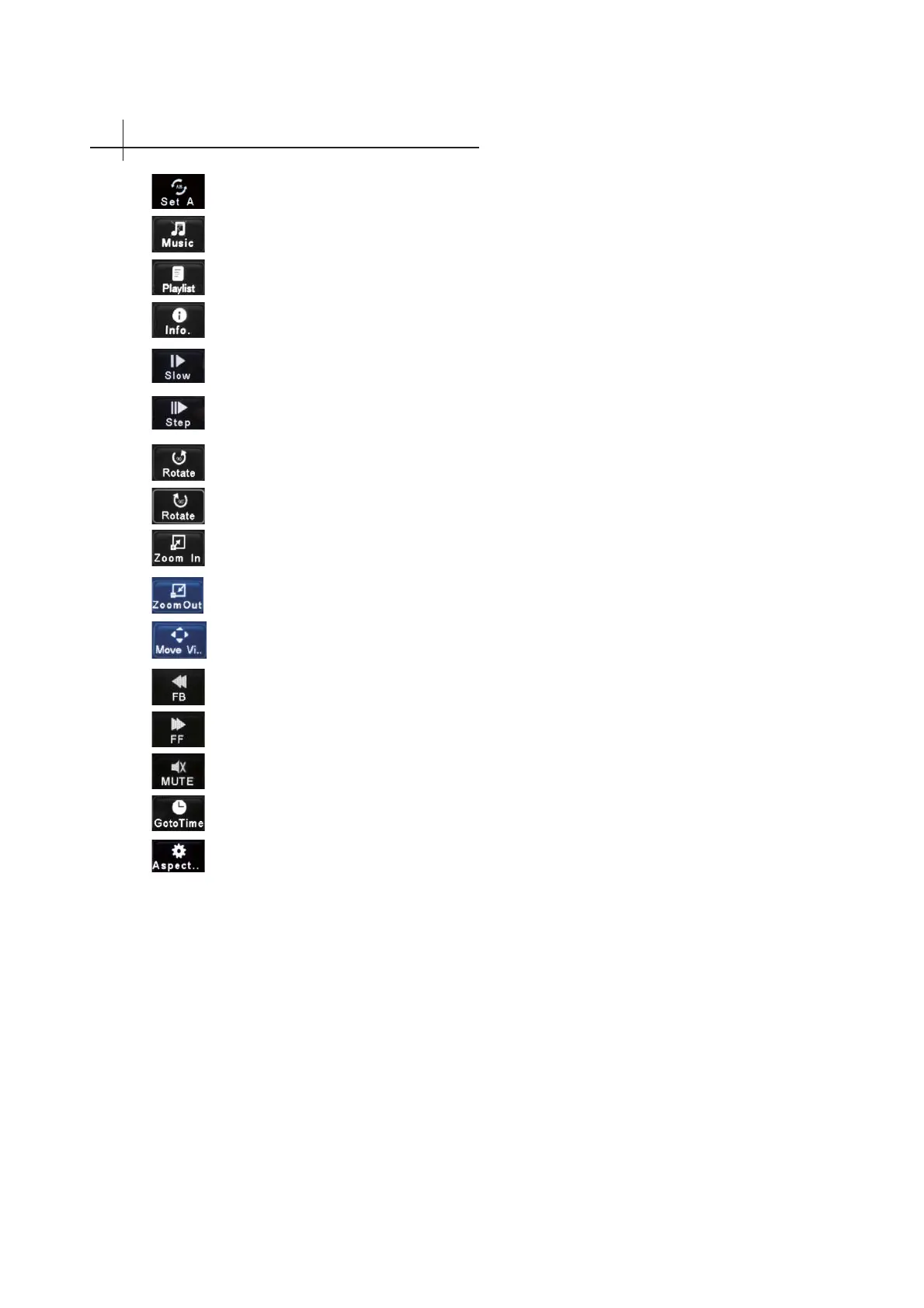
Start or stop the background music.
Set A to Set B.
Slow Forward.
Clockwise turn pictures.
Zoom in
Fast forward
MUTE
You can set time which you want to go.
Fast back
Counter clockwise turn pictures.
Zoom out
Step Forward.
Adjust picture Size.
Browse photo/music/moive/text list.
Displays the current photo/music/moive/text information.
Zoom photo/moive fi rst, and then select the press OK key to enter mobile model,
and then press▲/▼&◄ or ►move.



 To Next Page