Gocator Line Profile Sensors: User Manual
Gocator Web Interface • 123
Resolution: Uses the highest X resolution within the active area as the spacing interval. This setting
maximizes resolution but has higher CPU load and has the highest data output rate (i.e., greatest detail).
l Choose Custom and move the slider to a precise value.
7. Select a spacing interval level.
8. Save the job in the Toolbar by clicking the Save button .
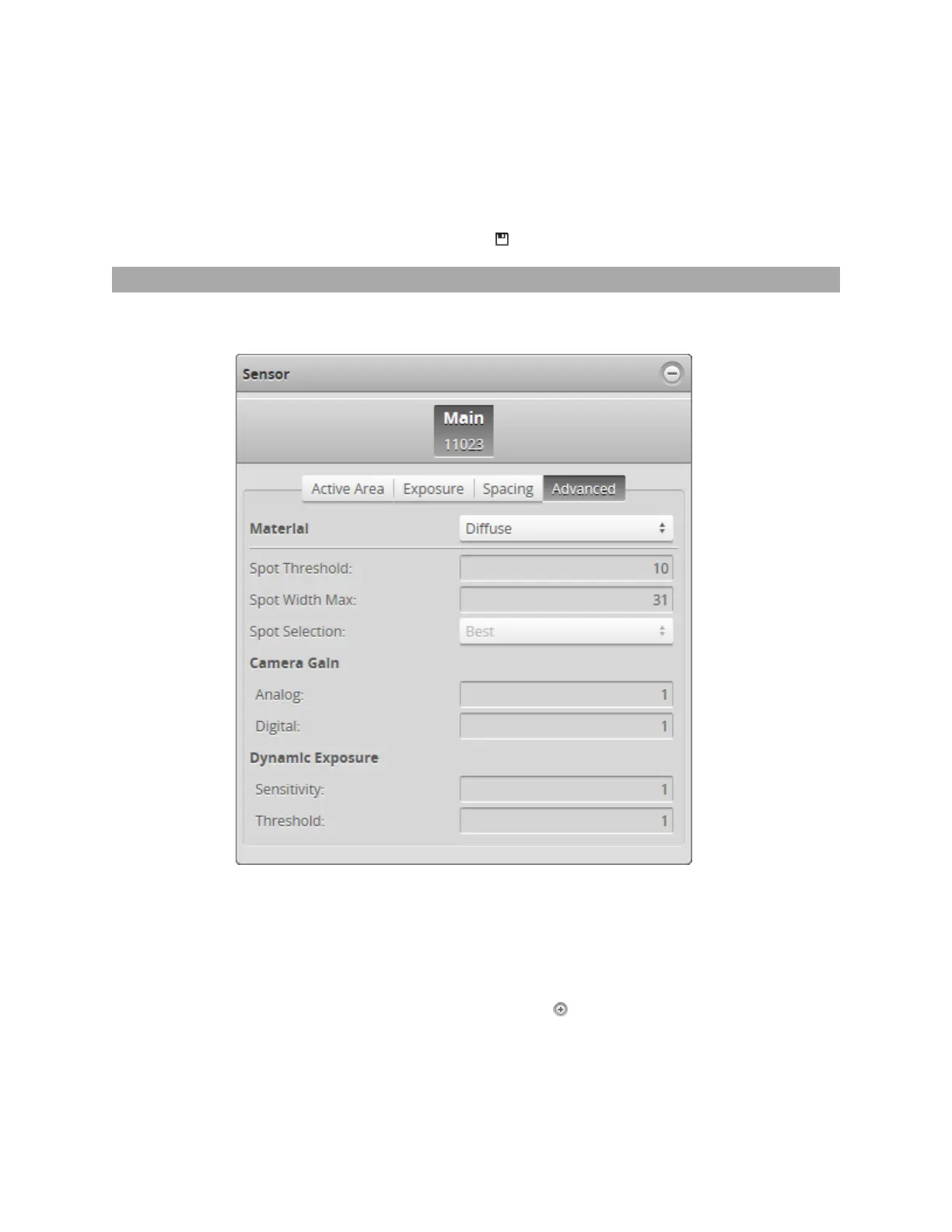
Advanced
The Advanced tab contains settings to configure material characteristics, camera gain, and dynamic
exposure.
To configure advanced settings:
1. Go to the Scan page.
2. Switch to Video mode.
Using Video mode while configuring the settings lets you evaluate their impact.
3. Expand the Sensor panel by clicking on the panel header or the button.
4. If you are configuring a dual- or multi-sensor system, click the button corresponding to the sensor you
want to configure.


 To Next Page
 Loading...


