Gocator Line Profile Sensors: User Manual
Gocator Web Interface • 148
For details on setting exposure in the Exposure tab in the Sensor panel, see Exposure on page 117.
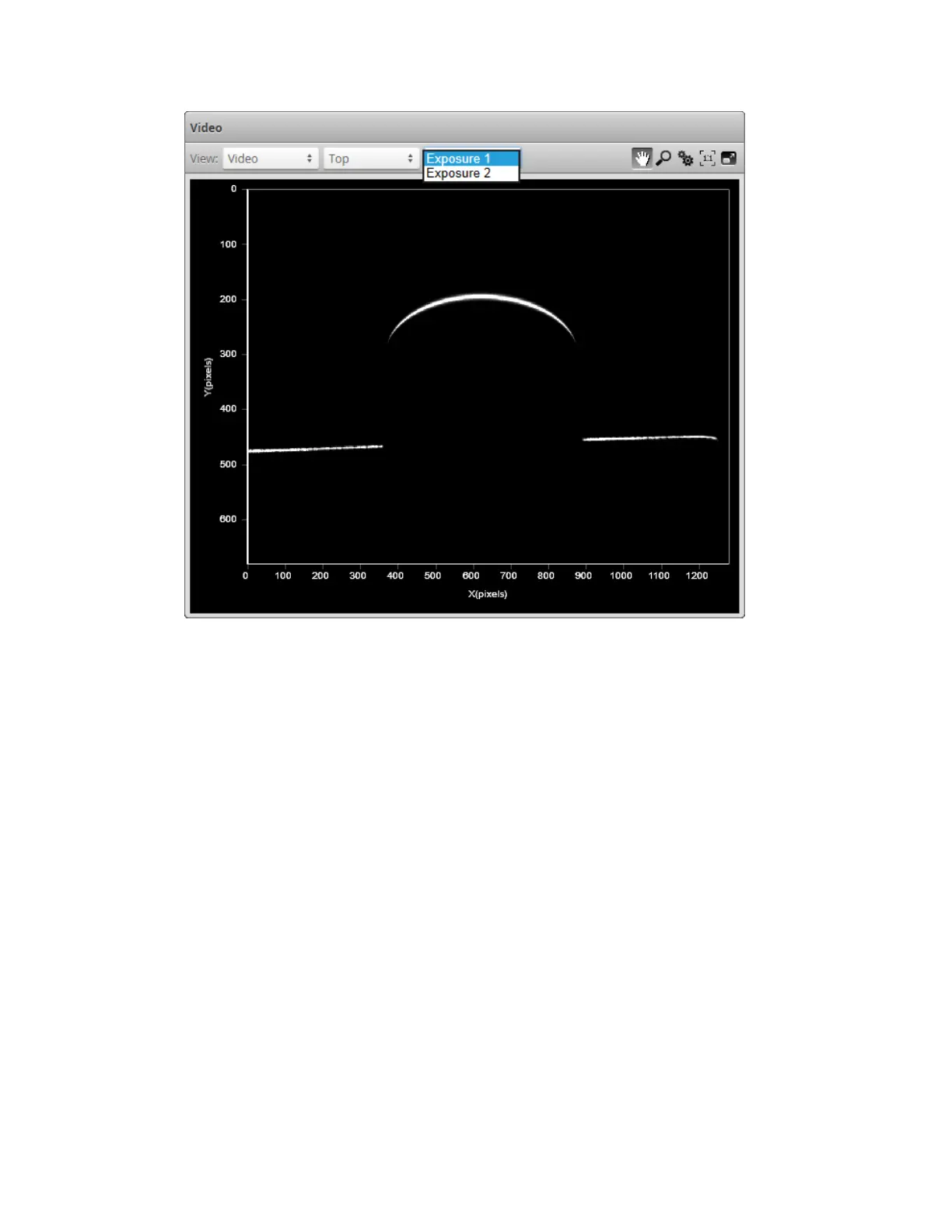
To select the exposure view of the display:
1. Go to the Scan page and choose Video mode in the Scan Mode panel.
2. Select the camera view in the data viewer.
Use the first drop-down list next to View at the top of the data viewer to select Main or Buddy.
3. Select the exposure.
Use the second drop-down list next to View at the top of the data viewer to select the exposure.
Overexposure and Underexposure
You can display a color exposure overlay on the video image to help set the correct exposure.


 To Next Page
 Loading...


