Gocator Line Profile Sensors: User Manual
349
Gocator Accelerator
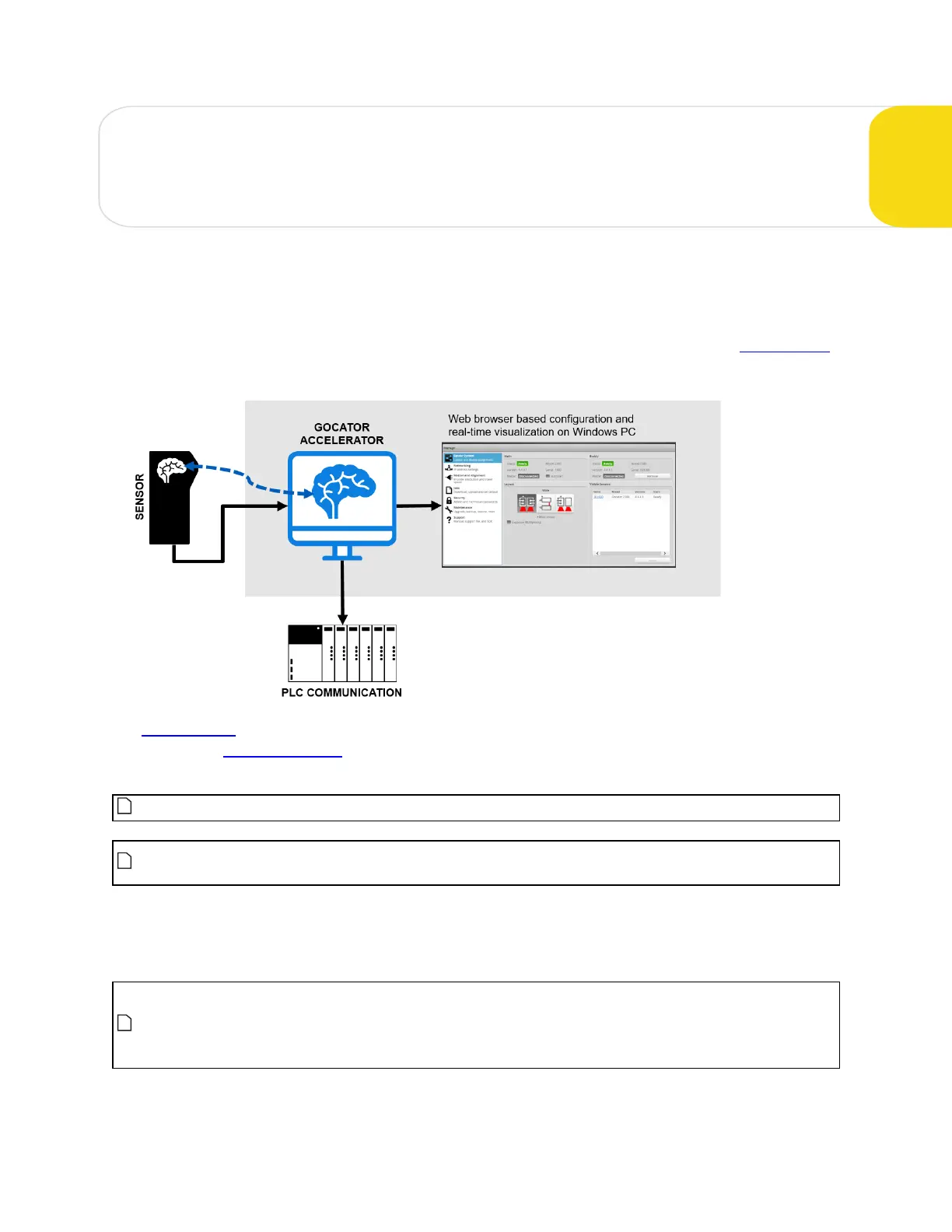
The Gocator Accelerator improves a Gocator system's processing capability by transferring the
processing to a PC in the system. It can accelerate one or more standalone sensors or multi-sensor
systems.
You can implement acceleration capabilities in client applications that you create using the Gocator SDK.
LMIalso provides a standalone utility (GoAccelerator.exe) that you can use to accelerate systems.
The web interface on an accelerated sensor is identical to the interface on an unaccelerated sensor. The
Ethernet-based output protocols (Gocator, EtherNet/IP, ASCII, and Modbus) are also identical to those
found on an unaccelerated sensor, and are fully supported.
The Gocator Accelerator does not currently support digital, analog, or serial output.
The firmware version of the sensor you want to accelerate must match the version of the
SDKused to build an accelerator-based application (or the version of the GoAccelerator utility).
When a sensor is accelerated, it sends data directly to the accelerating application. Users access the
Gocator web interface using the IP address of the computer running the application, rather than the
IPof the sensor.
Some health indicators behave differently when a sensor is accelerated. For information on
which indicators in the Dashboard that acceleration affects, see State and Health Information on
page 330. For information on which indicators available through the Gocator protocol
acceleration affects, see Health Results on page 499.






 To Next Page