Gocator Line Profile Sensors: User Manual
Getting Started • 45
Master 810/2410
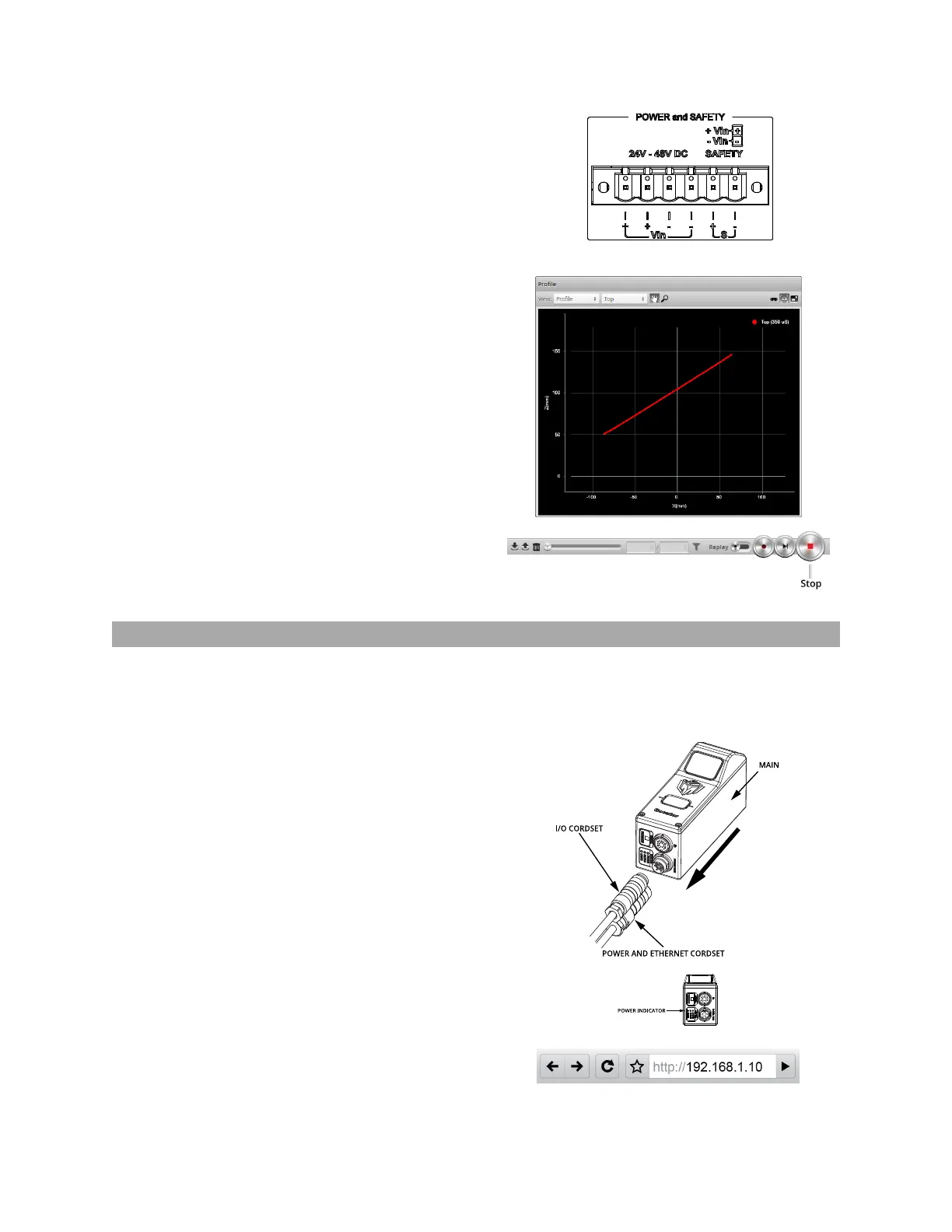
9. Move a target into the laser plane.
If a target object is within the sensor's measurement
range, the data viewer will display the shape of the target,
and the sensor's range indicator will illuminate.
If you cannot see the laser, or if a profile is not displayed
in the Data Viewer, see Troubleshooting on page 581.
10. Press the Stop button.
The laser should turn off.
Running a Dual-Sensor System
All sensors are shipped with a default IP address of 192.168.1.10. Ethernet networks require a unique IP
address for each device, so you must set up a unique address for each sensor.
To configure a dual-sensor system:
1. Turn off the sensors and unplug the Ethernet network
connection of the Main sensor.
All sensors are shipped with a default IP address of
192.168.1.10. Ethernet networks require a unique IP
address for each device. Skip step 1 to 3 if the Buddy
sensor's IP address is already set up with an unique
address.
2. Power up the Buddy sensor.
The power LED (blue) of the Buddy sensor should turn on
immediately.
3. Enter the sensor's IP address 192.168.1.10 in a web
browser.






 To Next Page