SW500 Wired Scale Systems, Users
Rev E,October, 2016
Page 30 of 36
Serial Output
Serial Output is available on the stereo jack (RS232) and the USB port on the left side
of the indicator. You must have the appropriate cables for your application (listed in
section ‘Optional Equipment’). The serial output will be either OFF (on demand print
screen), Multi-Line continuous, or Total Only continuous. Press PRINT – 2:PRINTING
OPTIONS – 1:TOGGLE CONTINOUS to change this setting. For more info see the
section: ‘PRINT (Serial Output)’.
The transmitted signal has the following characteristics:
Fixed 8 data bits, no parity, 1 stop bit.
Baud rate is configurable using the PRINT key, see section ‘PRINT (Serial
Output)’.
Multi-Line continuous output
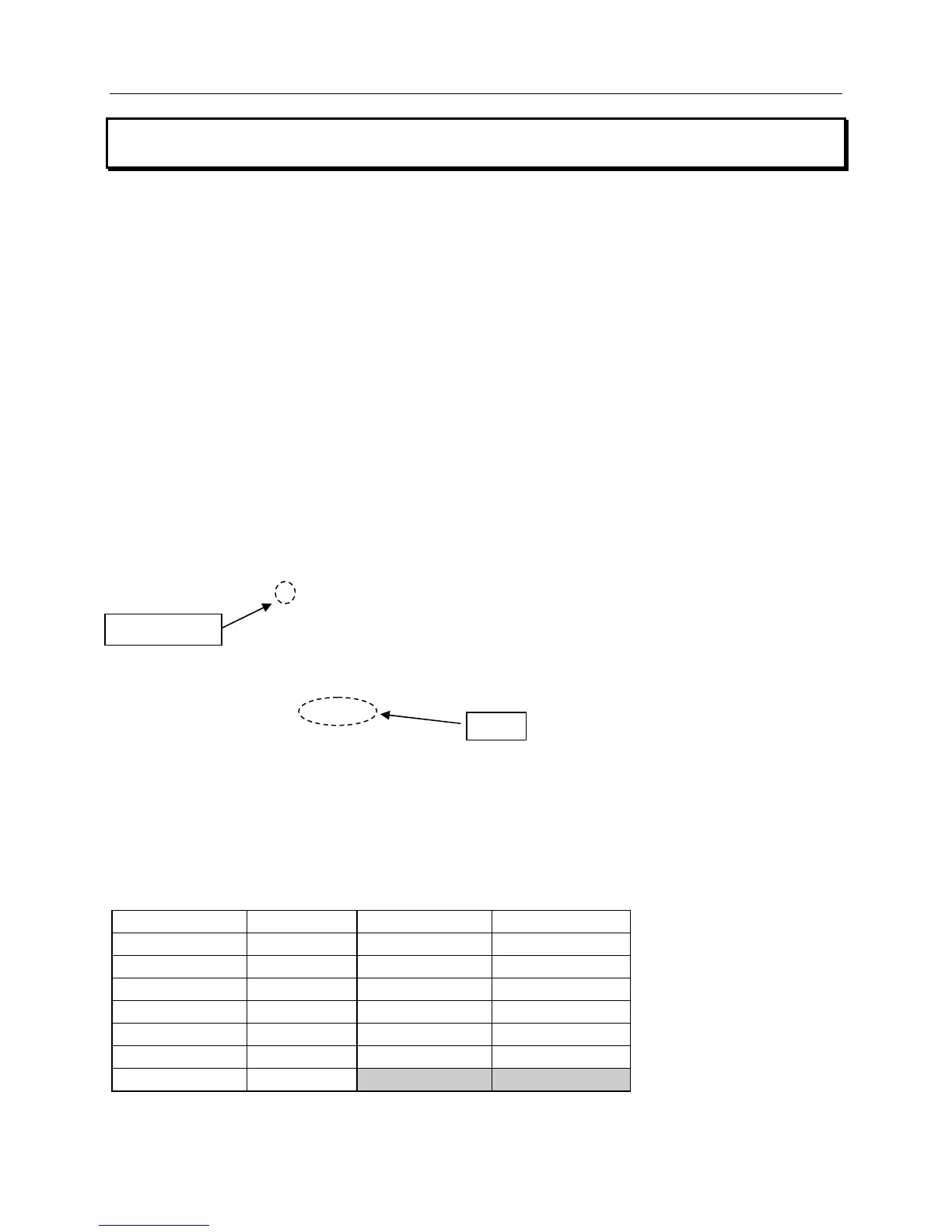
There are 13 pieces of data transmitted continuously in a repeating pattern:
0 XXXX.X Notes: ASCII <cr> and <lf> follow
1 XXXX.X the weight.
2 XXXX.X
3 XXXX.X The decimal place is only there if needed.
4 XXXX.X
5 XXXX.X
6 XXXX.X
7 XXXX.X
8 XXXX.X
9 XXXX.X
: XXXX.X
; XXXX.X
< XXXX.X
The first character of each line is the “data identifier” for which weight follows: 0 = LF, 1
= RF, 2 = LR, 3 = RR, etc. The data will follow the data identifier. The data will be the
actual, target, or compare weights. The type of data transmitted will be the mode you
are in (actual, target, or compare).
Data Identifier Data Data Identifier Data
0 Left Front 7 Rear
1 Right Front 8 Front Bite
2 Left Rear 9 Rear Bite
3 Right Rear : Cross
4 Left Side ; Total
5 Right Side < Total Selected
6 Front
data identifier


 To Next Page