SW500 Wired Scale Systems, Users
Rev E,October, 2016
Page 9 of 36
Quick Start (HUB MODE)
This section applies only to customers with the Precision Hub Plate systems. When
using HUB MODE, please start with the “Quick Start (Normal)” instructions first for the
initial screen setup. The following section discusses HUB MODE and describes how to
enter the hub compensations for each wheel: Tire Weights and Hub Assembly Weights.
HUB MODE allows users to compensate for the weight difference of the Precision Hub
Plate System and their wheel and tire assemblies.
The compensation formula used by the indicator is as follows:
Displayed weight (for each corner) =
[Uncompensated Weight* + Tire Assy Weight – Hub Plate Weight]
Note on zeroing: If there are weights entered for the hub plate and tire
assemblies, pressing the “zero” button will zero the system but the display will
show the difference between the tire and hub plate for each wheel position. This
may result in the indicator zeroing to a non-zero value!
If using the Precision Hub Plate System, setup the system as described in the SETUP
section of the Precision Hub Plate System User’s Manual.
NOTE: Prior to entering into Hub Mode, weigh each wheel and tire and the Hub
Plate assembly that will replace it. Record these values for future use.
Hub Mode Entries
1. Turn the indicator and scales 'on'.
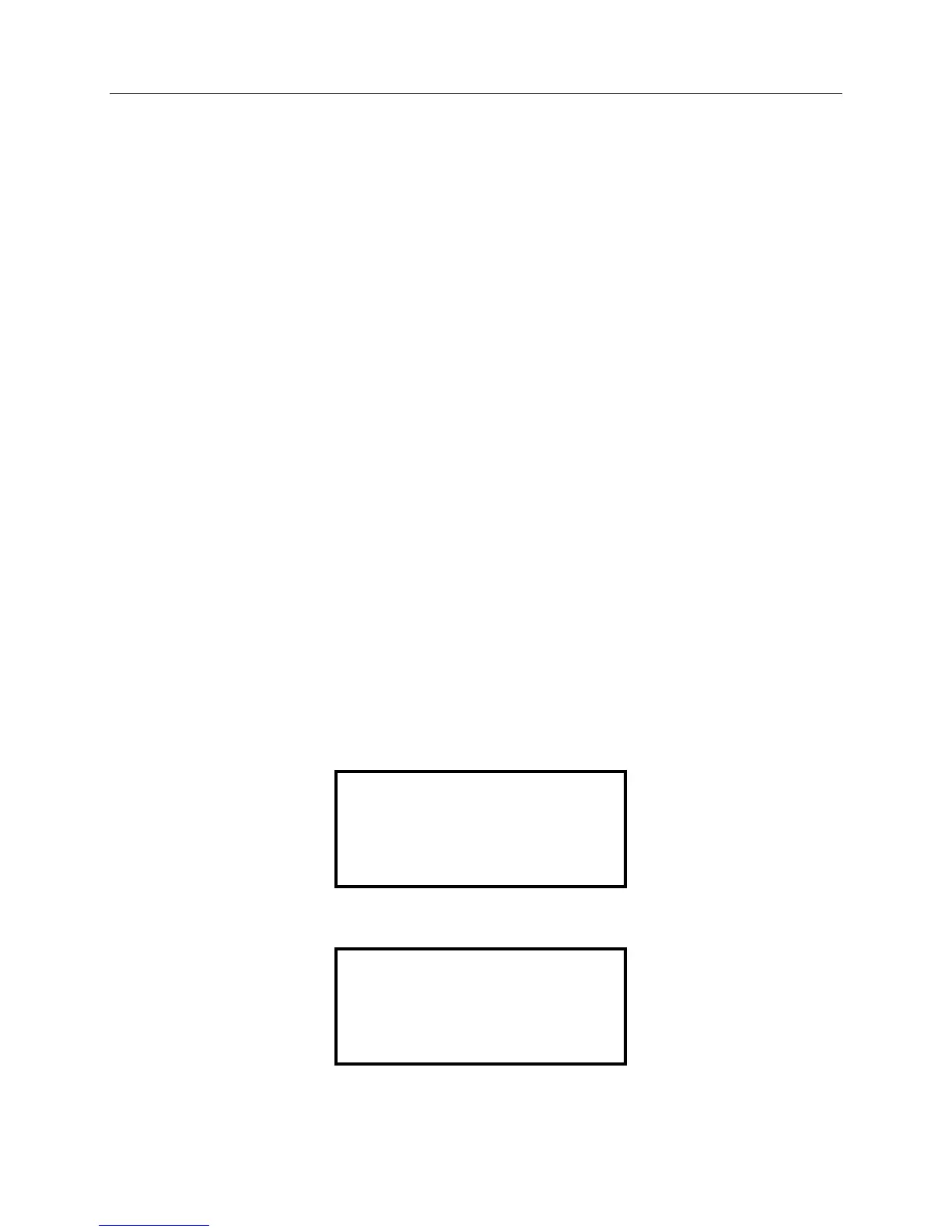
2. Press ZERO and PRINT to bring up the following menu: (HUB MODE will show
“OFF” if currently disabled or “ON” if enabled):
3. Press “3” to enter the HUB MODE screen:
4. Press “1” to enable the HUB MODE. (HUB COMP should switch to “ON”.)
1. SWITCH lb/kg
2. READ ONLY (OFF)
3. HUB MODE (OFF)
(HIT ACTUAL TO EXIT)
1.HUB COMP (OFF)
2.ENTER TIRE/HUB PLT
(HIT ACTUAL TO EXIT)


 To Next Page