12
Device Name
Enter the name of the NAS. The server name can be 15 characters long at maximum,
which supports alphabets, numbers, and hyphen (-). The server does not accept names
with space, period (.).
Description
Enter the description of the NAS. The server description can be 50 characters long at
maximum, which supports alphabets, numbers, and hyphen (-). The server does not accept
names with space, period (.).
Language
Administrator can select the display language on the drop-down menu on this page of the
NAS. (Default Language: English)
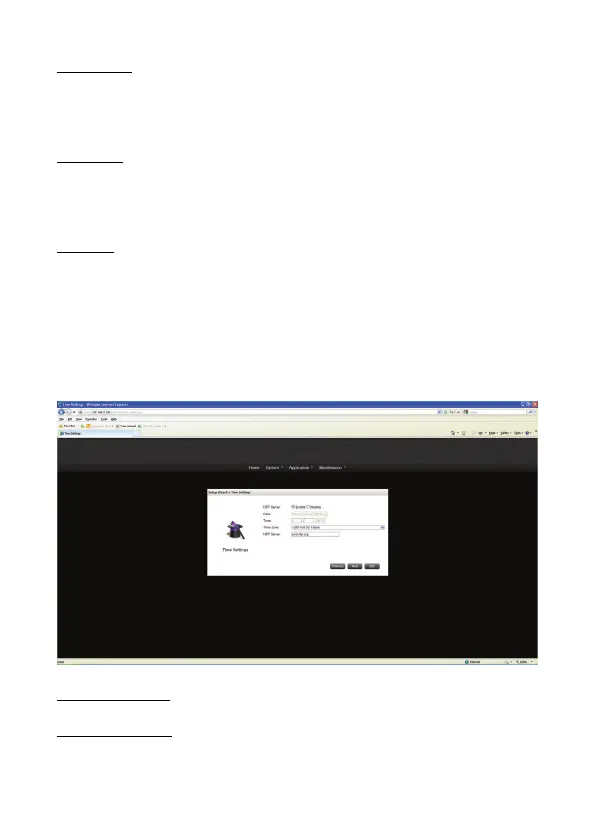
2) Time Settings
Administrator can set the date, time, and time zone according to your location on this page.
Date, Time and NTP
NTP Server Disable:
Click the Disable button and Set the date, time, and time zone according to your location.


 To Next Page