27
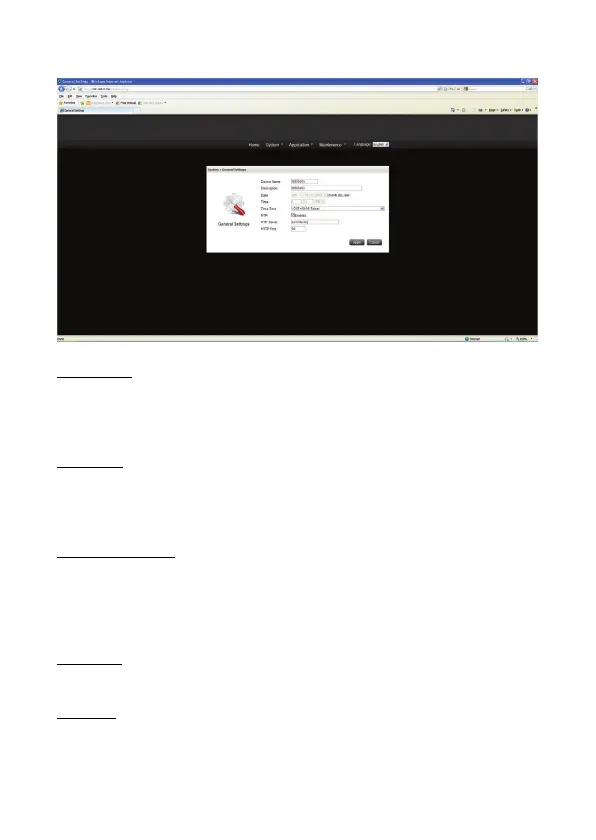
2) General Settings
Device Name
Enter the name of the NAS. The server name can be 15 characters long at maximum,
which supports alphabets, numbers, and hyphen (-). The server does not accept names
with space, period (.).
Description
Enter the description of the NAS. The server description can be 50 characters long at
maximum, which supports alphabets, numbers, and hyphen (-). The server does not accept
names with space, period (.).
Date, Time and NTP
Set the date, time, and time zone according to your location.
Synchronize with an Internet time server automatically
You can enable this option to update the date and time of the system automatically with
specified NTP server.
NTP Server
NAS can be sync with the NTP server if it is enabled.
HTTP Port
Assign a port for the NAS http port.
Default value: 80, input range: 80 ~ 65535.


 To Next Page