9
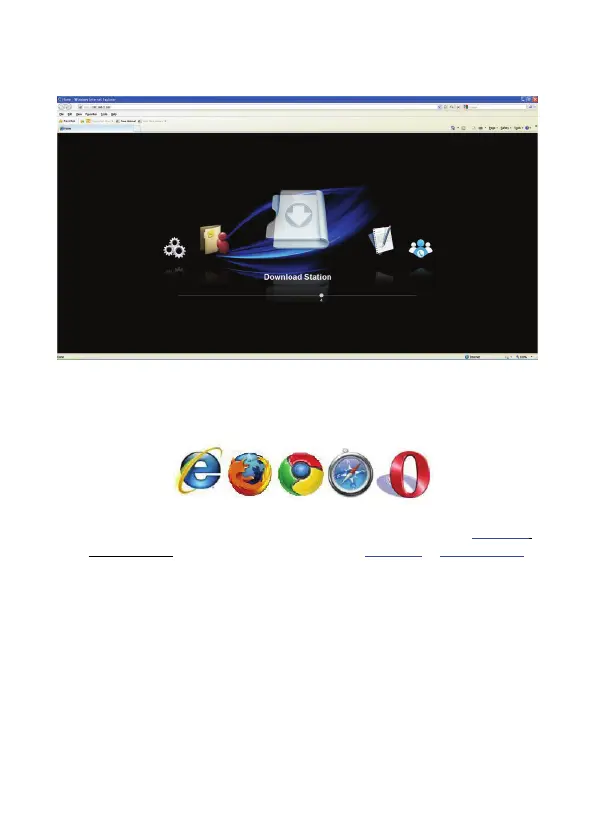
5. For the first time, please click “Setup Wizard” and the following web interface of the
device displays through your default browser. Please refer to Chapter 6.0 for Setup.
5.2 Browser Setting
Open the browser (Firefox, Internet explorer, Chrome or Others Browser)
1. Please Input the default device name. For one bay NS0045A, please input \\NS0045A
or http://NS0045A ; for NS0046A, 2 bays, please input \\NS0046A or http://NS0046A.
Then, you will connect with the Devise and get into the setting place.
2. If your Intranet environment doesn’t support DHCP Service, please change your IP
setting and input the default IP Address http://192.168.16.1, then, you will connect with
the Devise and get into the setting place.
NAS default IP address: 192.168.16.1
3. You can key in user name: “admin” and password: “admin” to login NAS. (See Chapter
6.0 Quick Wizard Setup or Chapter 7.0 Web Management)


 To Next Page