54
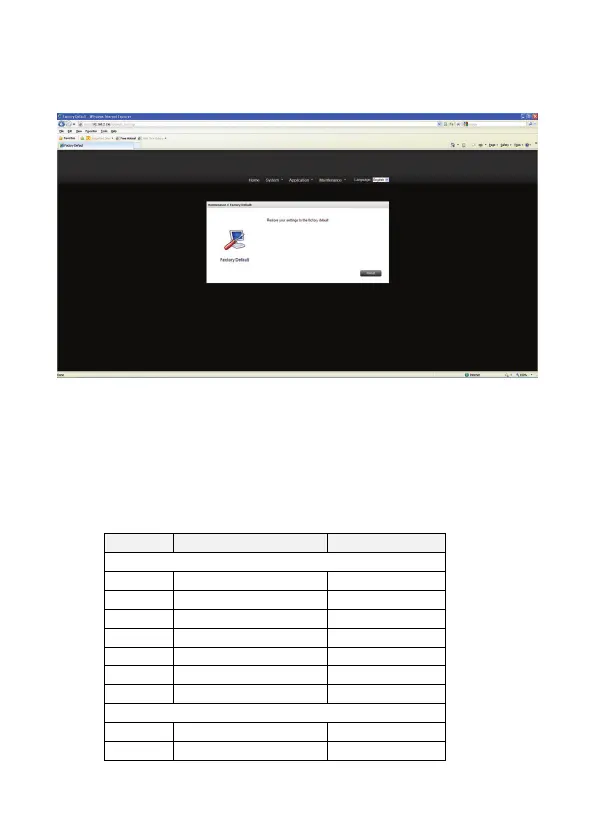
4) Factory Default
Only use this function whenever you want the device back to the Factory Default. NAS will
be reboot for the new setting to be effective.
To reset the settings to default, click “Default Setting”.
NAS will be reboot for the new setting to be effective.
When you press “Default Setting” on this page, all the system settings are cleared and
restored to default. Please make sure you have backed up all the system settings
before resetting the NAS.
Items which will be reset to default:
System Item Default Value
General Settings
Language English
Device Name NS0045A/NS0046A
Description NS0045A/NS0046A
Time Zone (GMT+08:00) Taipei
NTP Status Enable
NTP Server pool.ntp.org
HTTP Port 80
Network Settings
Protocol DHCP
IP Address 192.168.16.1


 To Next Page