34
7) Account Management
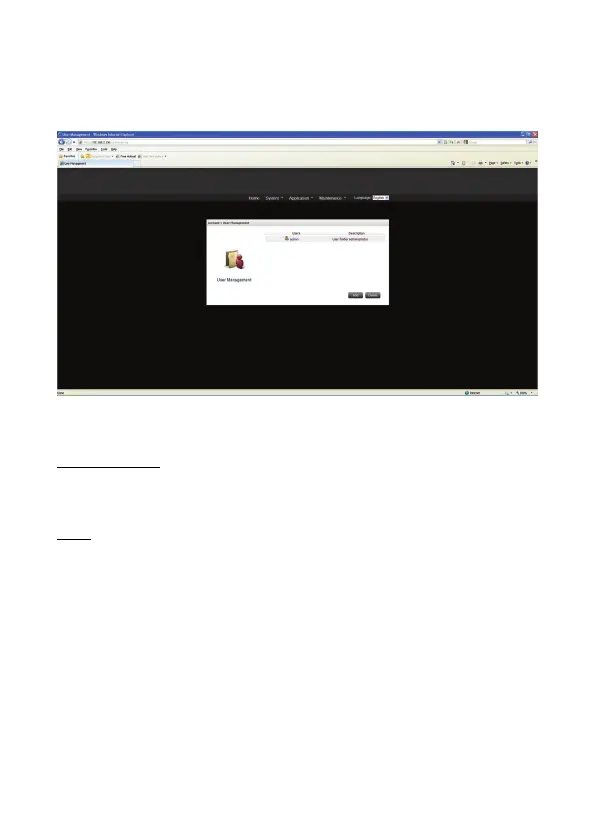
Administrator can add new users in this setting page. “admin” is a default user and he has
the highest control over this NAS. If a new user is created with password, administrator can
click that user to edit it.
User Management
Administrator can manage (add, modify, and delete) user accounts of NAS.
Users
Admin
By default, the administrator “admin” has access right to the system administration and
cannot be deleted.
The number of Users
The maximum of NAS users is 64


 To Next Page