28
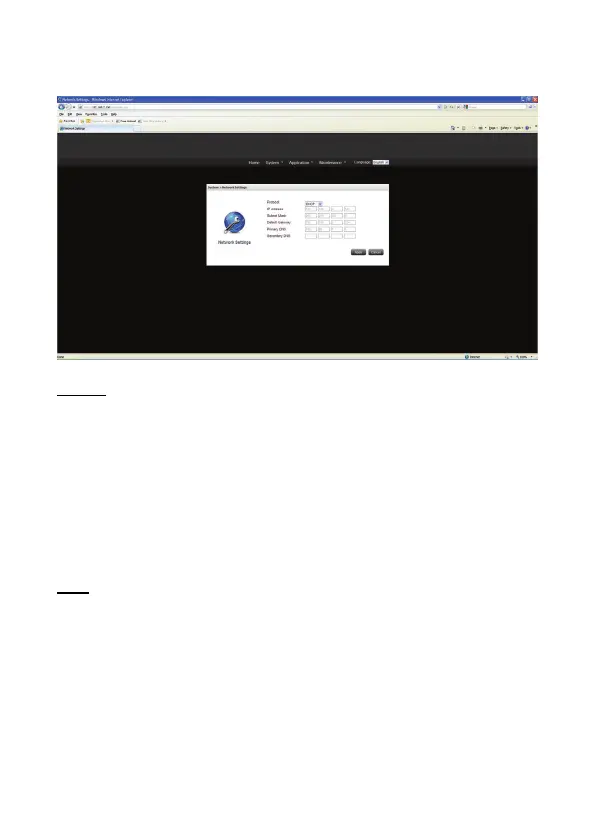
3) Network Settings
This section contains all LAN settings to configure the NAS to the network.
Protocol
DHCP
If your network supports DHCP, the NAS will use DHCP protocol to retrieve the IP address
and related information automatically. If NAS cannot obtain an IP at the boot time, the IP
will be configured as the default IP -- 192.168.16.1.
Static IP
To use fixed IP address for network connection, enter the IP address, subnet mask, and
default gateway.
DNS
Primary DNS Server: Enter the IP address of the primary DNS.
Secondary DNS Server: Enter the IP address of the secondary DNS.


 To Next Page