14
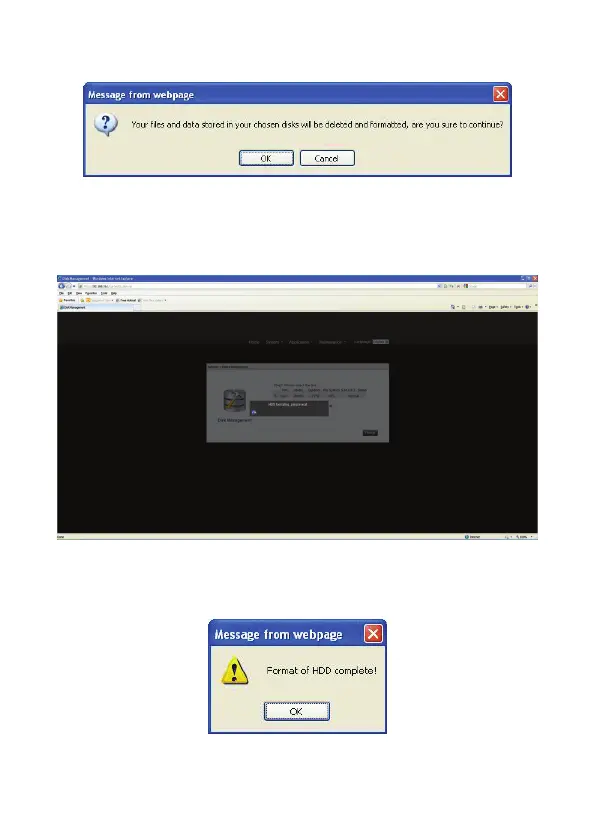
3. Click OK to confirm the Disk initialization process.
4. Do not power down or disconnect the power adapter to prevent failure or damage to
your system.
5. The initialization Process starts and the following display is shown.
6. The designated HDD LED blinking during the initialization process.
7. The initialization completed screen displays, see the following figure.


 To Next Page