16
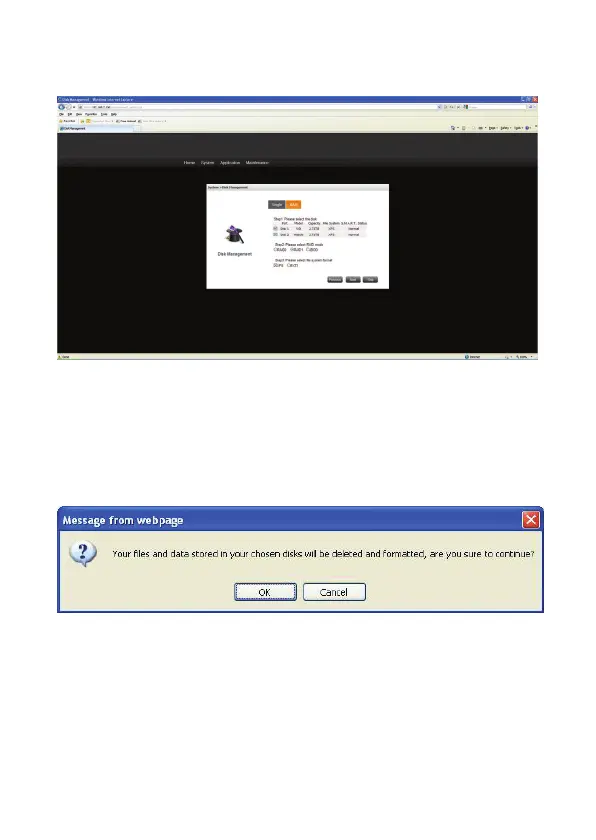
1. If you just want to use single mode hard disk separately, not to get into the RAID mode,
please click the hard disk format button to format HDD. Then you can use it.
2. When there are two Hard Disks inside the NAS, you could enable this function. You
could select JBOD/RAID 0/RAID 1 different modes. Create the Raid Mode and disk will
be formatted.
3. Click “Format” to begin the initialization process.
4. Click OK to confirm the Disk initialization process.
5. Do not power down or disconnect the power adapter to prevent failure or damage to
your system.


 To Next Page