42
1. Go to “Applications” > " BitTorrent”.
2. Select “Add Job”
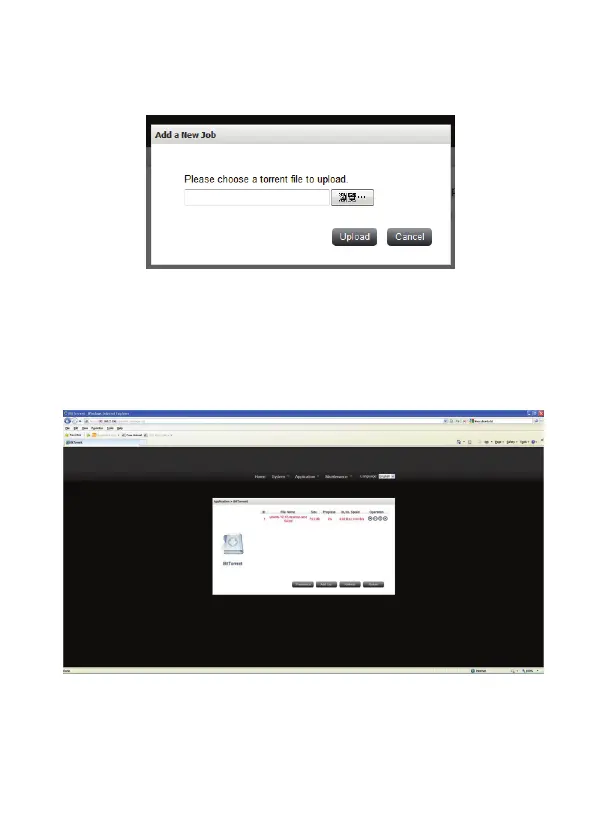
3. Add a new BT task
Click “Add Job” and upload a torrent file (*.torrent). You can download legal
torrent files by searching on the Internet. Please download the torrent files to
your local disk and then upload them to the NAS.
4. After uploading a download task, the task will appear on the List.
5. Press the Start button on the Operation and the BT task start download.
PS: Maximum job: The total maximum number of add job. Default is 10.


 To Next Page