8
2
1
3.3 Handle functions
The control functions of the stacker are located in the handle
- The functions are dependent on the positions of the handle!
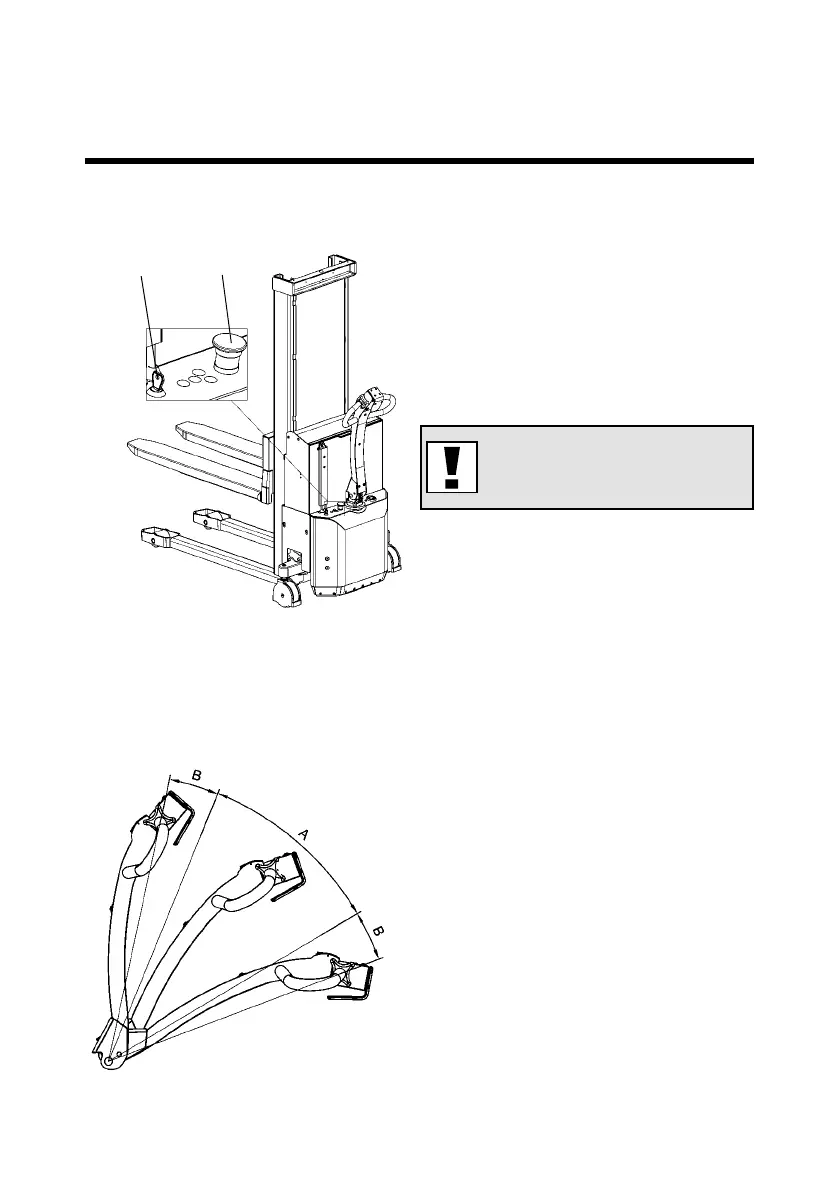
Position A: Drive position
• Drive current on
• Brake deactivated
Position B: Stop-Brake-
Emergency Stop
• Drive current o
• Brake activated
Note!!! Emergency stop (2)
must not be activated.
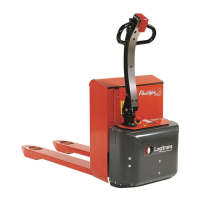
3.2 Use of Logiex
Insert key (1) and turn clockwise to switch on control current ready for function
activation.
3.0 How to operate the Logiex



 To Next Page