Operating the Logger UTRED-16 User Guide 19
Operating the Logger
The following sections show how to operate the product, and what information you can
expect to see on the display.
After the Logger is configured
Push Button Start
After configuration with LogTag
®
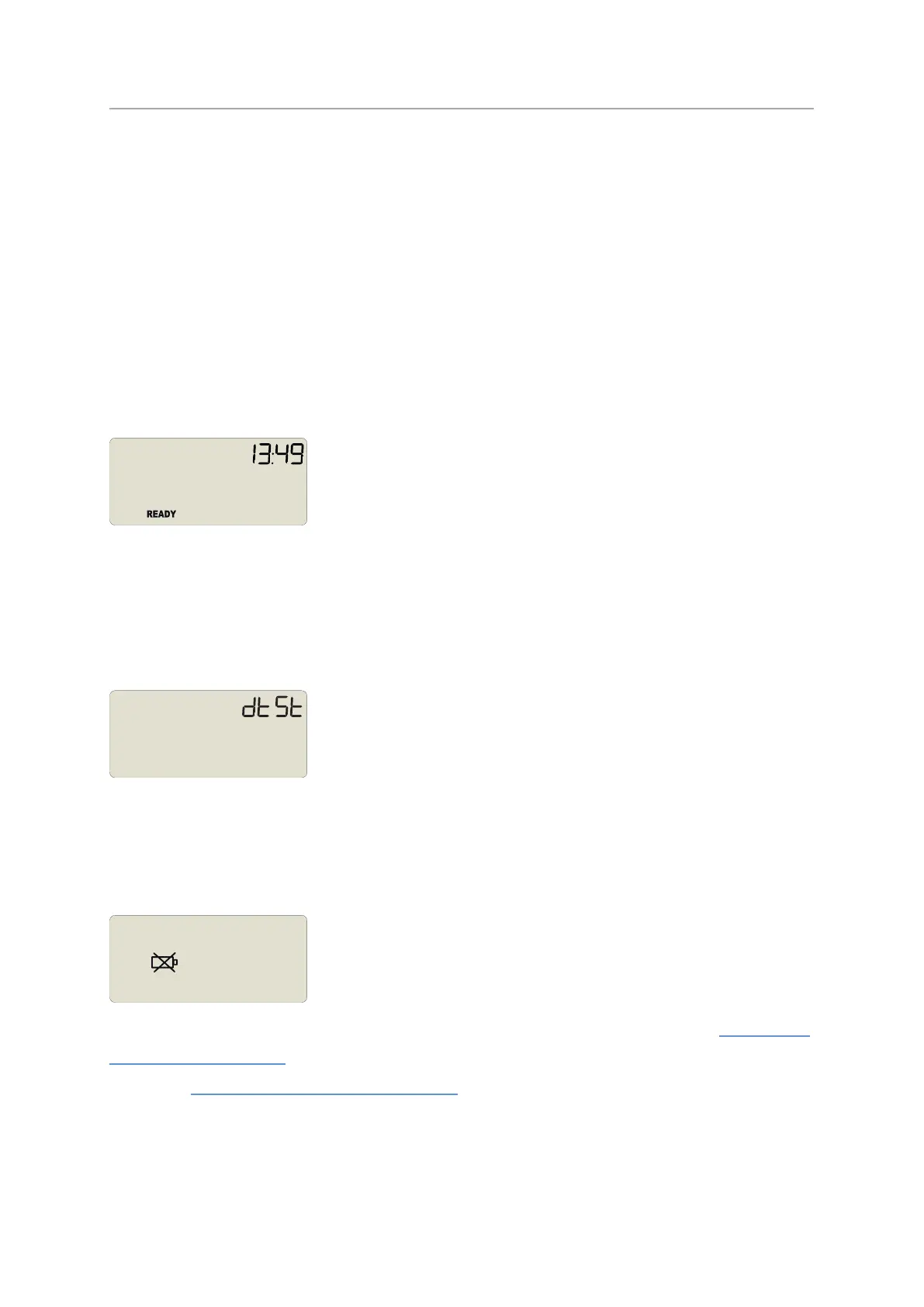
Analyzer for a push button start the word READY is
shown, together with the current time in 24-hour format.
At this stage, you won't be able to determine which additional configuration options have
been set, such as start delay or pre-start readings.
Date and Time Start
The logger can also be configured to start at a specific time and date. You will see the
letters dt St instead of the clock.
Pre-start readings and start delay options are not available for a date/time start.
Low Battery
If at any time during the operation the logger has a low battery, the low battery symbol is
shown.
Such a logger cannot be started until the battery has been replaced. Please see Appendix 1
- Battery Replacement for further details.
Please see Appendix 1 - Battery Replacement for further details.


 To Next Page