What You Need UTRED-16 User Guide 7
What You Need
Required Items
In addition to your LogTag
®
UTRED-16 USB PDF Temperature Recorder with Remote Probe
and Display you will need the following:
l an external probe of the ST100 series
l a PC running Windows 7 or later and LogTag
®
Analyzer 3 installed if you wish to
configure and download the logger
l a PC with PDF reader software installed for viewing the generated PDF files
Optional Items
In addition to the above, following items are useful accessories:
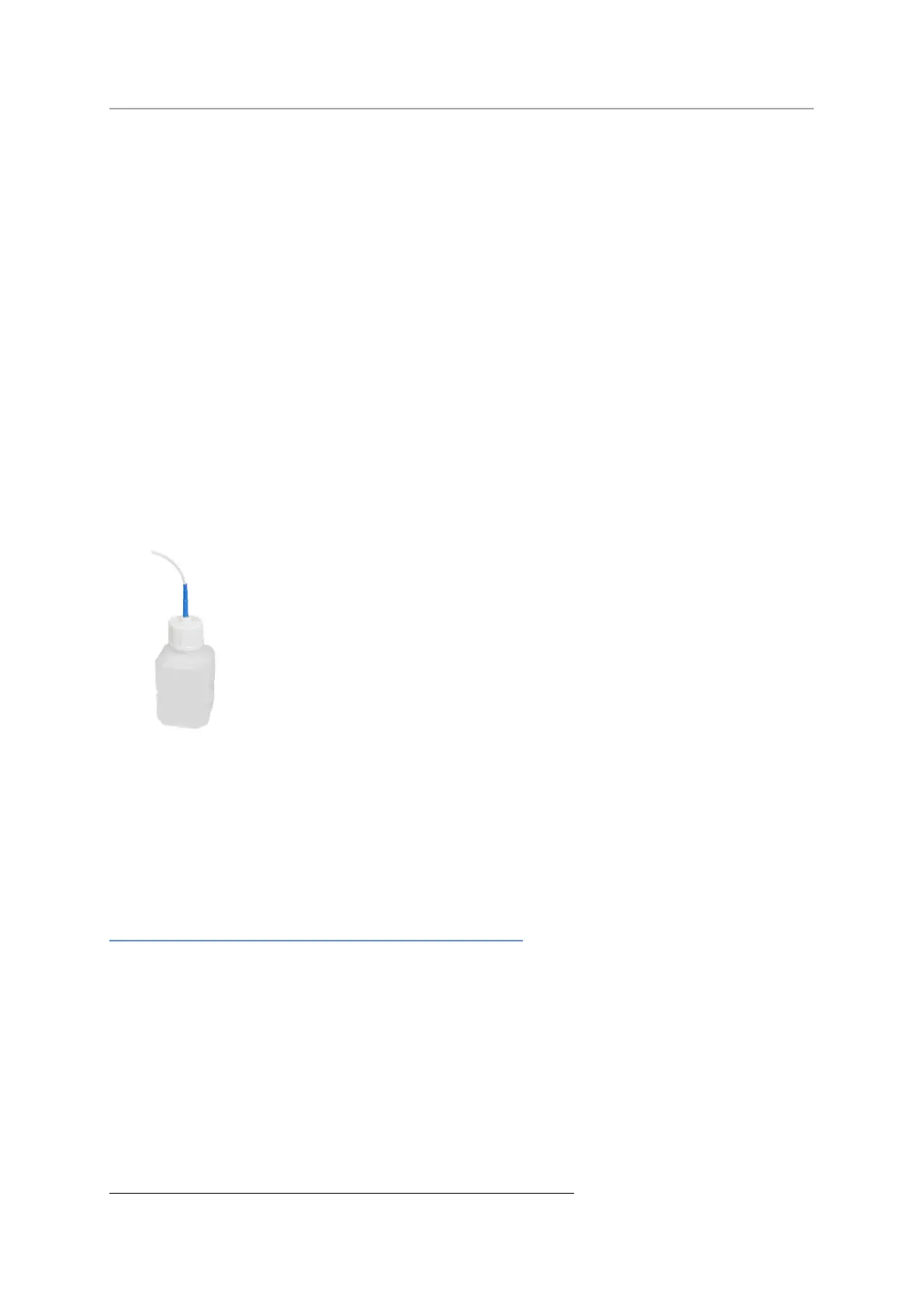
l a glycol buffer, which simulates environmental behaviour of a vaccine vial
Software Requirements
Software requirements vary depending on the type of file you want the UTRED-16 to
generate when plugged into a USB port.
If you wish to configure UTRED-16 products you will need to download the LogTag
®
Analyzer software from LogTag
®
’s web site at
https://logtagrecorders.com/software/lta3/download/. Follow the instructions to install
and start the software.
If you only plan to view a report, plug the UTRED-16 into a computer’s USB port.
Depending on the settings made during configuration, a number of on-board files will be
generated
1
and made available to you in a new drive:
l a PDF file
you can open the file directly from the logger‘s USB memory storage with Acrobat
Reader 4.0 or later, or any other compatible PDF reader software of your choice
2
1 Depending on the configuration, the UTRED-16 may produce all, some or none of the files.
2 PDF files generated by any USB logger can be opened directly in LogTag
®
Analyzer.


 To Next Page