Operating the Logger UTRED-16 User Guide 21
HOURS is shown.
The time counts down and the UTRED-16 starts recording when it reaches 0: 00.
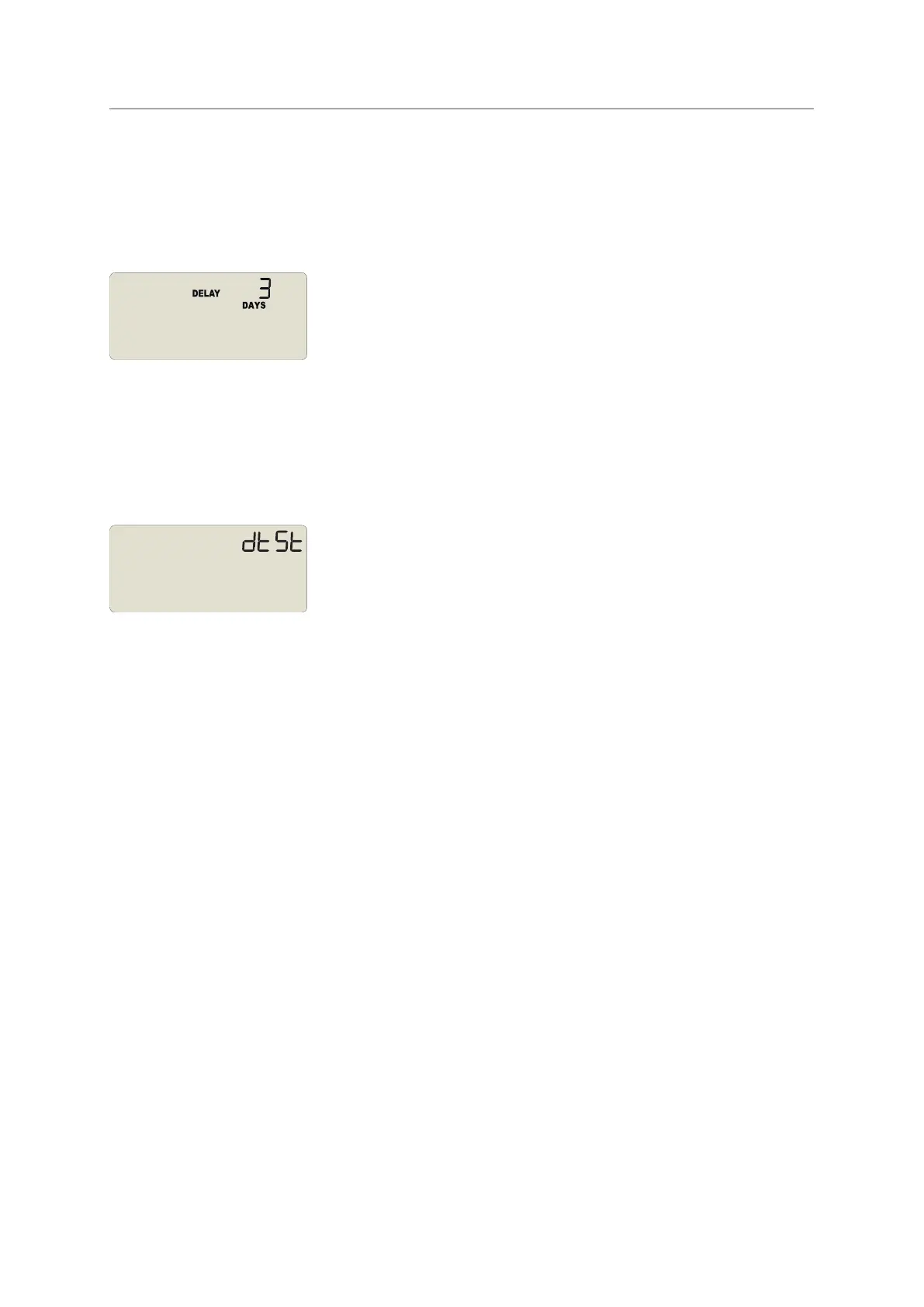
If the start delay is greater than 24 hours the word DAYS is shown along with the number
of full days remaining.
Each time a user presses the START/Mark button during the start delay phase, the start
delay value is reset to its originally configured value.
Automatic date/time start
If you configured the UTRED-16 for a date/time start, dtSt will be displayed instead of the
clock.
The logger will record temperature values as soon as the configured date and time have
passed.
If the logger is still plugged into a USB port when the start time passes, the recorded
readings will show USB Paused on the PDFand in the software's reports.


 To Next Page