Operating the Logger UTRED-16 User Guide 24
Reviewing Alarms
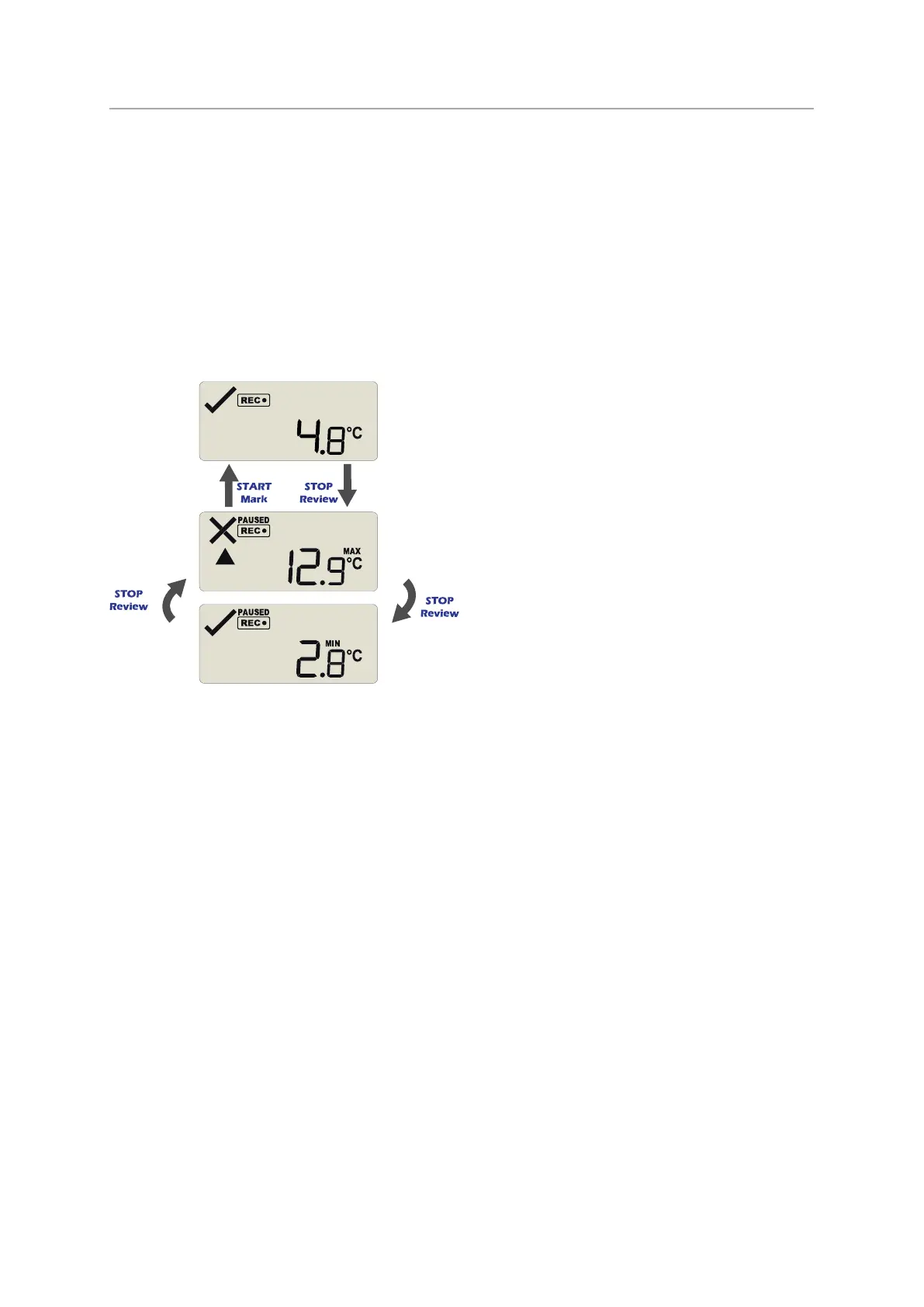
At any time you can review the recorded statistics by briefly pressing the STOP/Review
button. You can do this while the logger is still taking temperature readings, or when it
has already stopped, but not when it is plugged into a USB port.
After each subsequent press of STOP/Review the next review screen is shown. The number
of screens available for review depends on the number of configured alarms, and whether
or not the alarm review screens have been enabled. If no alarms are configured, or the
alarm review screens are disabled, only the MIN and MAX screens appear.
Figure 5: Review cycle with threshold screens disabled


 To Next Page