Using the Main Menu16
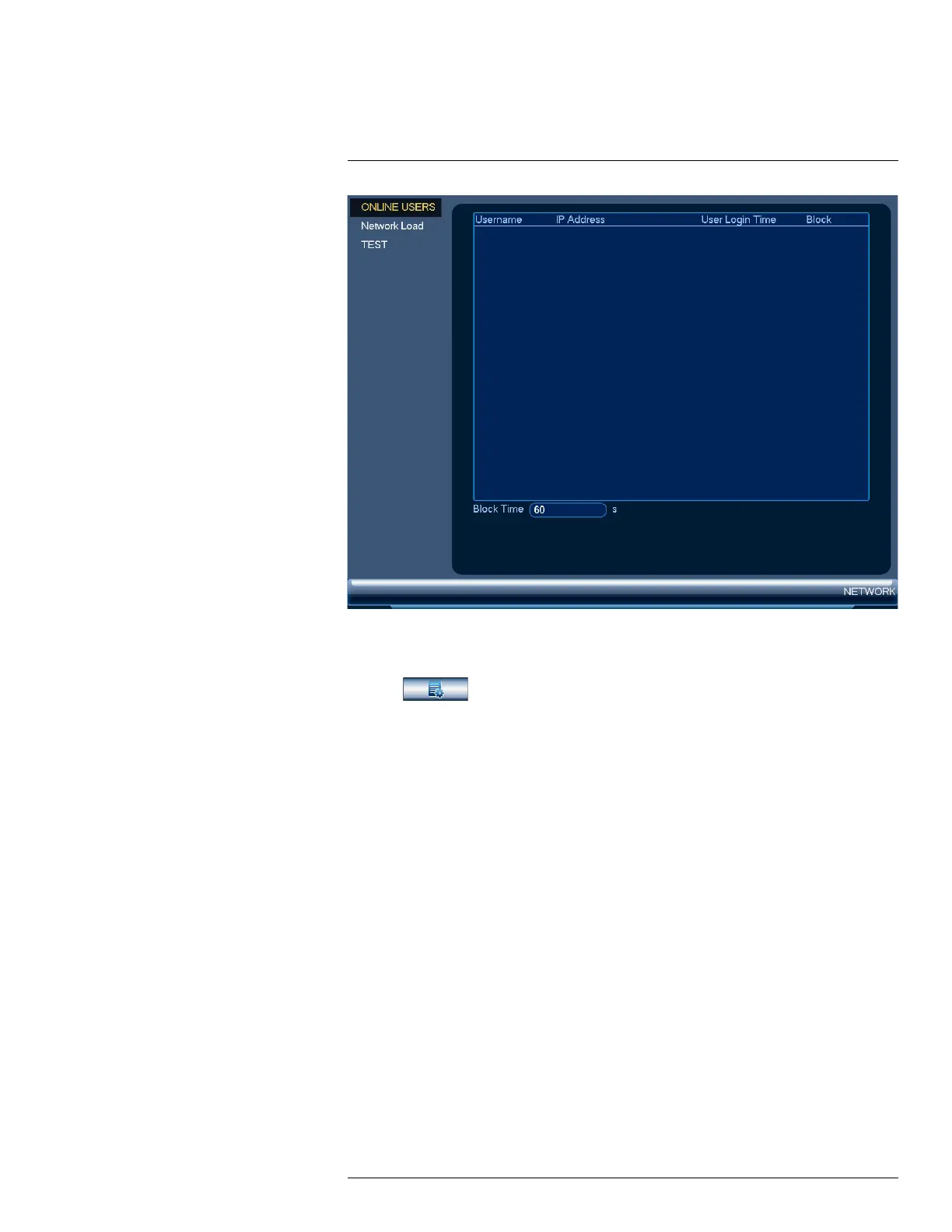
To access the online users menu:
1. From the Live View display, right-click to open the Quick Menu, then click Main Menu.
2. Click
, then click NETWORK. Click the ONLINE USERS tab on the side panel.
16.3.7 Network Load
View network traffic your system is sending and receiving.
#LX400113; r. 2.0/56306/56316; en-US 71


 To Next Page