en – Original instructions
30
If with P23 = ON no button is pressed for over 10 minutes from the last
parameter Menu View, both the view and the editing of the parameters are
disabled.
Enter the password again to display and change the parameters.
With P23 = OFF, or after entering the password (P20), it is possible to both
display and edit the parameters. When accessing the Parameter Menu, the
display shows:
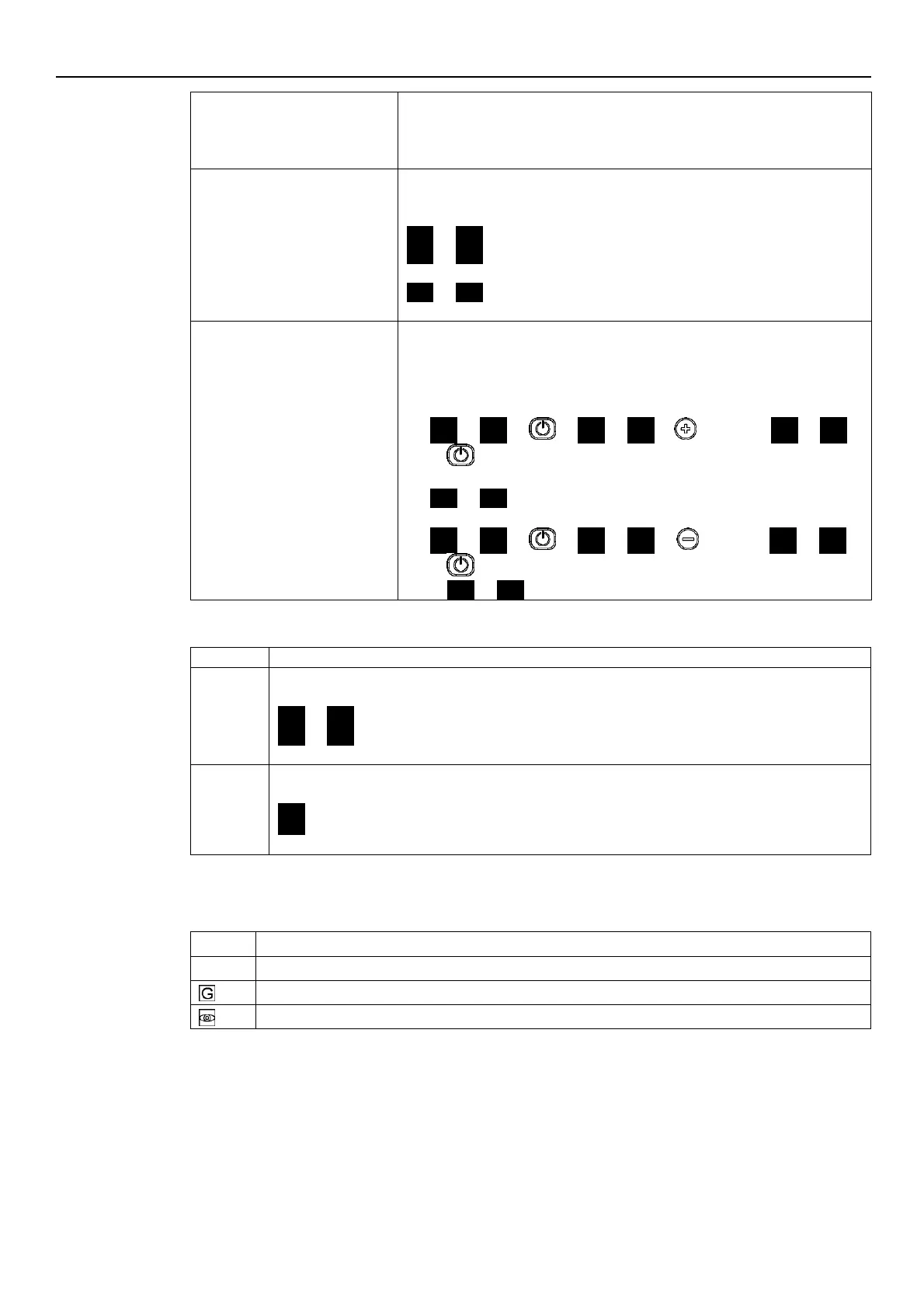
P01 P01
P02 P02
...
P69 P69
The flashing parameter, indicating the selection possibility.
Parameters Editing/Visualization
The value of a parameter may be changed using the buttons, or the Modbus
and BACnet communication protocols.
When returning to the Parameter Menu, the displayed parameter index is
increased automatically. For further information see Par. 6.5.
Example A (P20) from 000 to 066:
P20 P20 000 000
… until …
066 066
sets the desired value
P21 P21
Example 2 (P26) from 360 to 300:
P26 P26 360 360
… until…
300 300
sets the desired value
P26 P26
.
6.4.3 Alarms and errors visualization
In case of alarm, the corresponding code appears on the display in alternation to the Main View.
For example:
A01 3.56
(ex. BAR)
A02 285
(ex. 10xRPM)
…
In case of error, the corresponding identification code appears on the display.
For example:
E01
E02
…
6.5 Software parameters
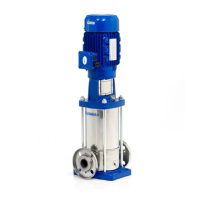
Parameters are marked differently in the manual depending on their type:
Global parameter, shared by all pumps in the same multi-pump system



 To Next Page