en – Original instructions
37
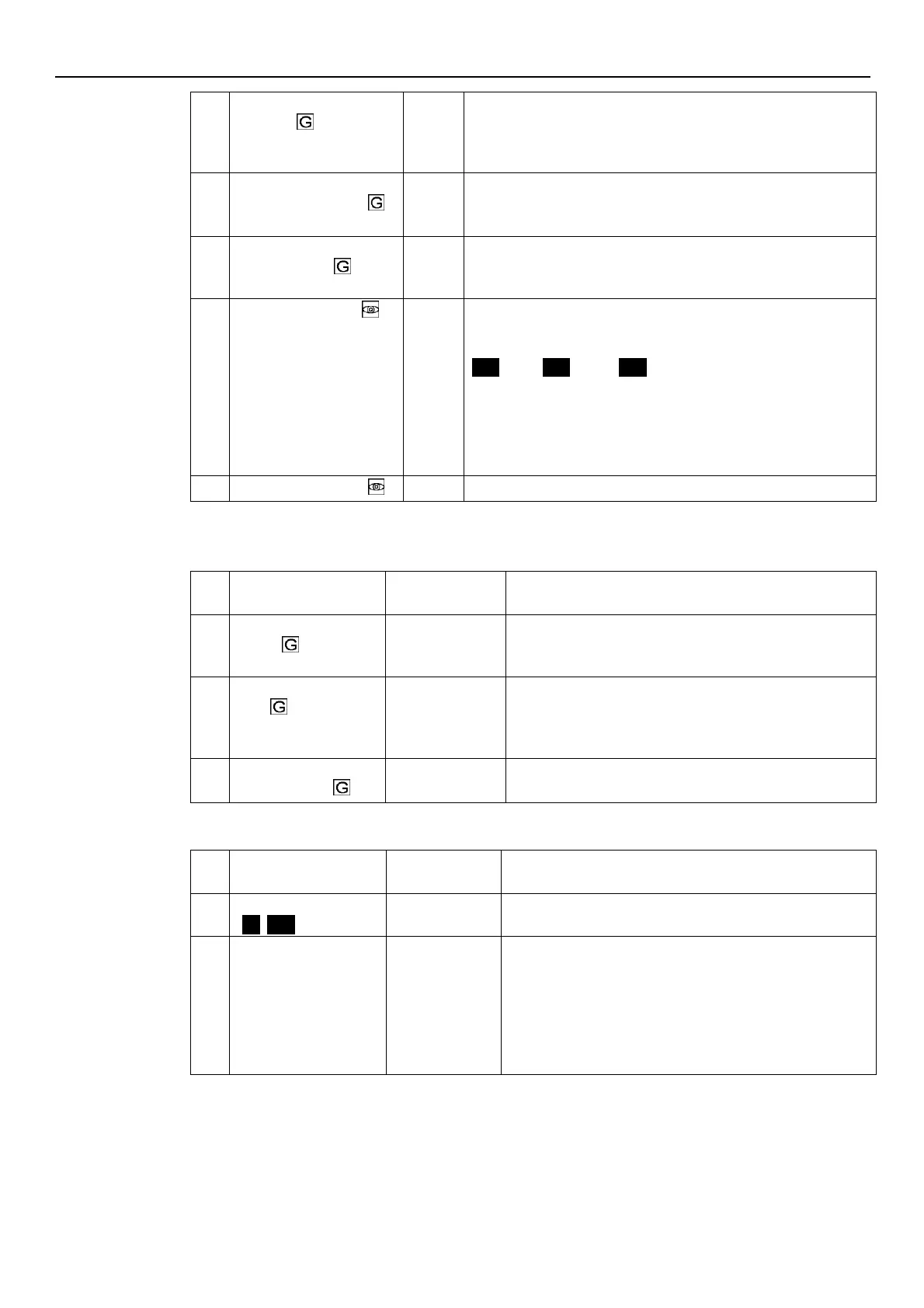
Multipump – Enable Speed
[P27-P26]
This parameter sets the speed that a pump must reach before
starting the next assist pump, after a system pressure drop below the
difference between P02 and P59.
Default: depending on the type of pump.
Multipump Synchronous –
Speed Limit [P27-P26]
This parameter sets the speed limit below which the first assist pump
stops.
Default: depending on the type of pump.
Multipump Synchronous –
Window [0-100]
This parameter sets the speed limit for the stop of the next assist
pump.
Default: 150 rpmx10.
This parameter shows the pump priority value within the multi-pump
set.
This parameter displays the following information:
Pr1
(Pr1) ..
Pr3
(Pr3) or
Pr0
(Pr0)
where:
Pr1 .. PR3, indicate that the pump is communicating with others
pumps and its priority order, is equal to the visualized number.
Pr0 indicates that the pump does not detect the communication
with other pumps and is considered alone in the multi-pump bus
This parameter shows the multi-pump protocol revision value used.
6.5.7 Test Run Configuration Parameters
Test Run is a function that starts the pump after the last stop, in order to prevent it from blocking.
Test Run – Time Start
[0-100]
This parameter sets the time after which, once the pump has
stopped for the last time, the Test Run will start.
Default: 100 h.
Test Run – Speed [Min-
Max]
This parameter sets the pump rotational speed for the Test
Run.
The Min and Max speeds depend on the pump type.
Default: 200 rpmx10.
Test Run – Time
Duration[0-180]
This parameter sets the duration of the Test Run.
Default: 10 s.
6.5.8 Special Parameters
Default Values Reload
[
NO, rES
]
If set to RES, after confirmation this parameter performs a
factory reset that reloads the default parameter values.
Avoid Frequent
Parameters Saving [NO,
YES]
This parameter limits the frequency with which the unit stores
the required value P02 in the EEPROM memory, in order to
extend its life.
This could be particularly useful in applications with BMS
control devices that require continuous variation of the value
for fine tuning purposes.
Default: NO.



 To Next Page